Loading video…
Sound

original sound - sashandytips
sashandytips · Original audio
0:00–:––
Playing this video’s own audio, so you’ll hear the creator over the sound.
Hook
Posted May 19, 2026Video · 0:49by @sashandytips
The video provides high-value, actionable utility by solving a specific, popular editing trend, making the product demo feel like helpful content rather than an ad.
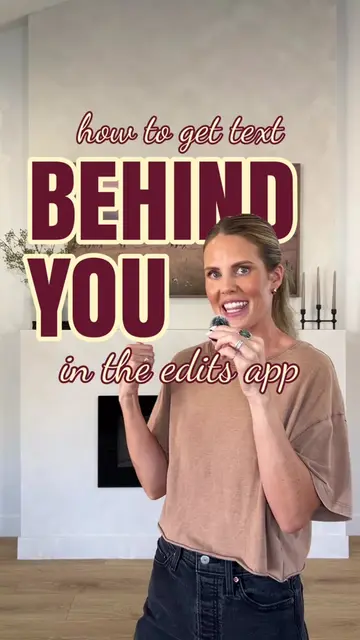
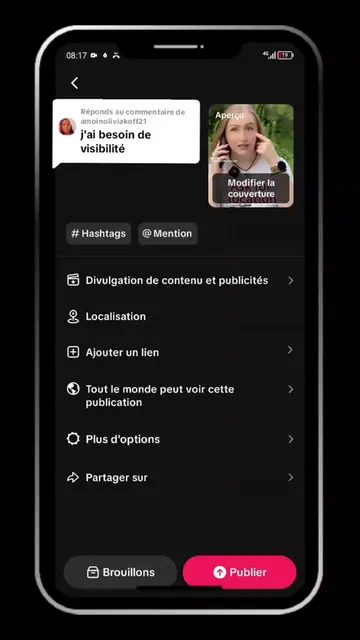
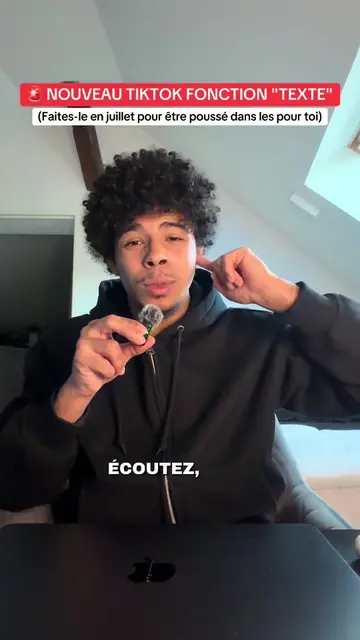
The creator provides a step-by-step tutorial on how to use the CapCut video editing app to place text behind a person in a video. The video demonstrates the specific features and tools within the app to achieve this effect.
TEXTE DERRIÈRE TOI ✂️✨🤍 je sais que beaucoup ne savent pas faire cet effet alors je partage 😭 et honnêtement c’est beaucoup plus simple qu’on le pense 👀 je sais déjà que certains vont demander si il faut CapCut payant… oui c’est ce que j’ai utilisé MAIS il existe une alternative gratuite avec l’application Edits 🤍 pour enlever l’arrière-plan → clique sur découpage puis refais les mêmes étapes que dans la vidéo ✨ si tu veux plus de tutos simples ou d’autres effets — dis-moi 🥹☁️ Abonne-toi @sashandytips
Personne ne m'a demandé mais voici comment tu peux mettre n'importe quel texte derrière toi.
Hook stating the tutorial goal
Selecting the video in CapCut
Duplicating and layering the video
Using the background removal tool
Adding and styling the text
Adjusting layer order to place text behind the subject
The entire video is a screen recording of the CapCut mobile application interface, showing how to use its specific editing tools.
Abonne-toi pour plus de tips.
Playing this video’s own audio, so you’ll hear the creator over the sound.
Promotes 7 products. Create free account to see more.
Outliers and viral hits: their videos on Overshot, all time.
Video editing app for creators making social media videos
Views and creators: posted in the last 30 days (English videos). Videos: all time.