Loading video…
Sound

original sound - sashandytips
sashandytips · Original audio
0:00–:––
Playing this video’s own audio, so you’ll hear the creator over the sound.
Hook
Posted Jul 16, 2025Video · 0:32by @sashandytips
The video provides immediate, actionable value by solving a common design pain point with a specific, easy-to-use tool, making the promotion feel like a helpful tip rather than an ad.
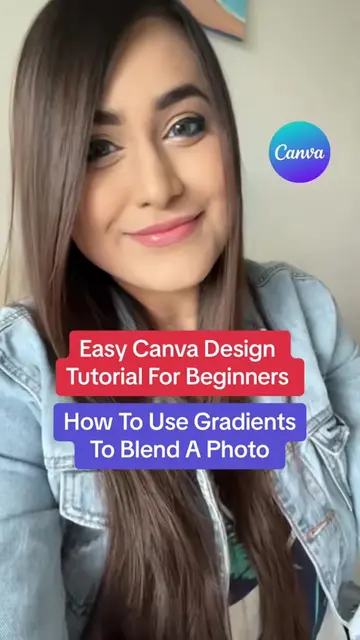
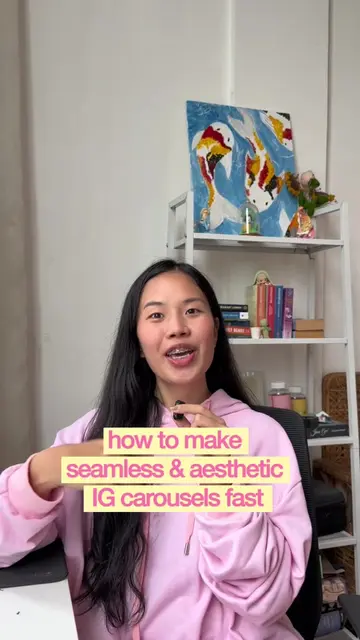
The creator demonstrates how to use the 'Image Blender' app within Canva to create professional-looking image transitions. The video provides a quick, step-by-step tutorial on applying and adjusting the effect.
Canva Hack ! Comment rendre tes créa CANVA plus pro et clean !! Abonne toi si tu veux pas rater des tips comme ça ! #canva #canvatutorial #canvahack #tuto
Tu veux rendre tes créations Canva plus clean et plus pro ?
Identify the problem of making designs look professional
Navigate to the apps section in Canva
Select and configure the Image Blender tool
Show the final result and name the tool
Call to action to follow for more tips
The video is a tutorial demonstrating a specific feature (Image Blender) within the Canva platform.
suis-moi pour plus de tips
Playing this video’s own audio, so you’ll hear the creator over the sound.
Design app for people creating presentations, worksheets, and other visual content
All time.
Promotes 7 products. Create free account to see more.
Outliers and viral hits: their videos on Overshot, all time.