Loading video…
All breakouts
9.0Talking HeadHow-To hookCreator Economy
Hook
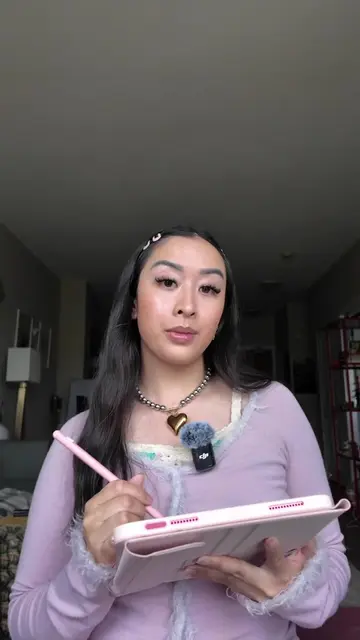
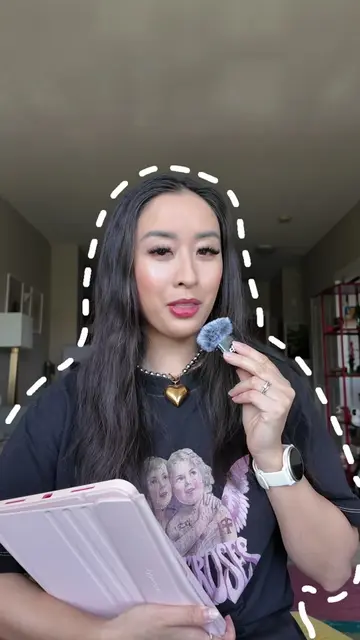
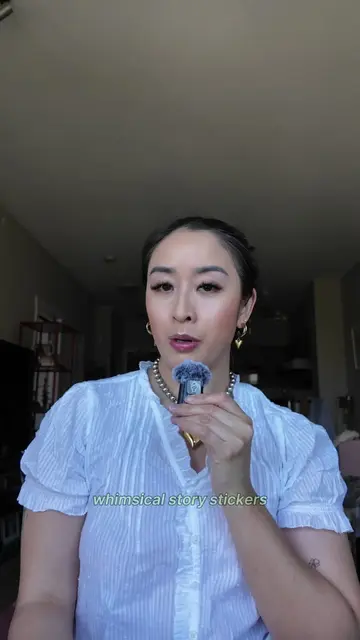
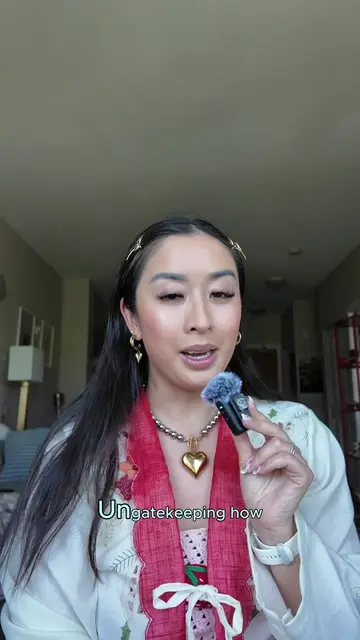
Ungate-keeping how to edit Scrapbook Care-Cells.
@the.stylish.wordsmith
1.9K followers · usually 1.4K views a post
Views
11.9K
Likes
470
Comments
9
Shares
22
Why it worked
The video provides a clear, step-by-step tutorial on a popular content creation trend (scrapbook carousels), using a specific app that is visually demonstrated. The creator's engagement with audience questions and the 'how-to' format likely contributed to its success.
Summary
This video provides a step-by-step tutorial on how to create aesthetic scrapbook-style carousels using the 17V28 app. It covers choosing an editing platform, adding photos, incorporating text and stickers, and using tools for locations and tags to enhance the digital diary vibe.
Structure
- 1Introduction to editing scrapbook carousels
- 2Step 1: Choose an editing platform (17V28 app)
- 3Step 2: Add photos according to theme
- 4Step 3: Add text, stickers, and cutouts
Original caption
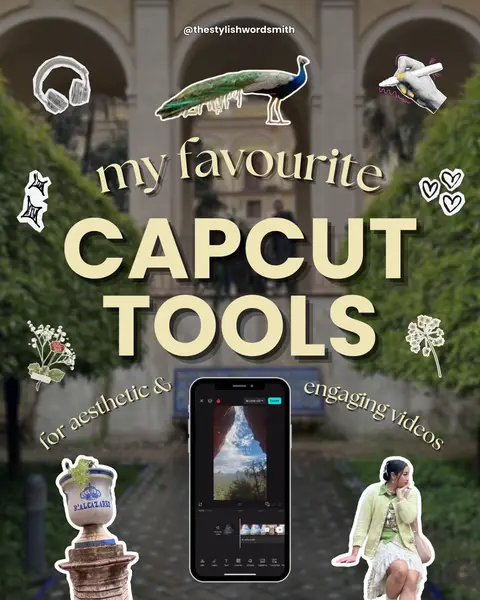
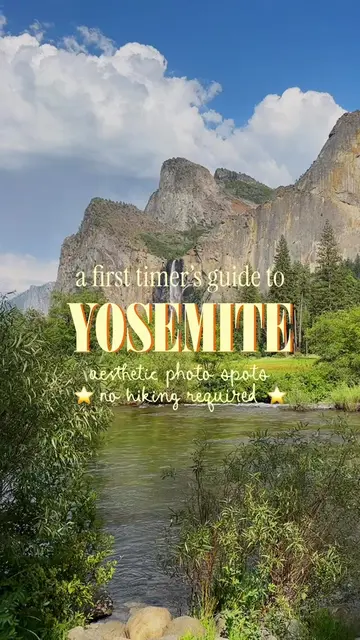
How to edit aesthetic Scrapbook Style Carousels 🎠✂️⭐️ Many of you have asked how to create them, especially these cute travel recaps, so I made this quick tutorial to help you out! 🙂↕️ 💾 First, SAVE this post for later! ✂️ First, choose your editing platform — I usually start with @17v28.app as I love their templates, tools, and stickers. ✂️ Then, add your photos according to whatever theme you’re creating (ex. a travel guide to a city). ✂️ Once you’ve adding in all of the photos you want to use, you can start adding text stickers and cute cutouts of the photos you haven’t used yet (HINT: I love using the beaded letters). Next, to complete that scrapbook aesthetic, add in more stickers where necessary to fill out the corners. Don’t be afraid to make your design seamless (where some objects overlap to the next slide). I also suggest using their tools like “locations” and “tags” to add extra details. PRO TIP: including these details will get you more saves and shares! Finally, you can add some small text blurbs on each page to provide even more insights into each slide (just like a digital diary). Then Viola! You’re done and ready to post! Did you find this tutorial helpful? Let me know! P.S. If you enjoyed this tutorial, I’ll be launching a digital social media editing course very soon — stay tuned!! 🎉 — editing tutorial, reel edits, creative edits, animated carousels, animated reels, social media agency owner, adobe express ambassador, photo editing tips, digital scrapbook, digital scrapbooking, editing tips, how I edit #scrapbookcarousel #howiedit #editingtips #scrapbook #digitalscrapbooking
More from @the.stylish.wordsmith
More breakout videos from this creator.