Loading video…
All breakouts
6.2Talking HeadListicle hookCreator Economy
Hook
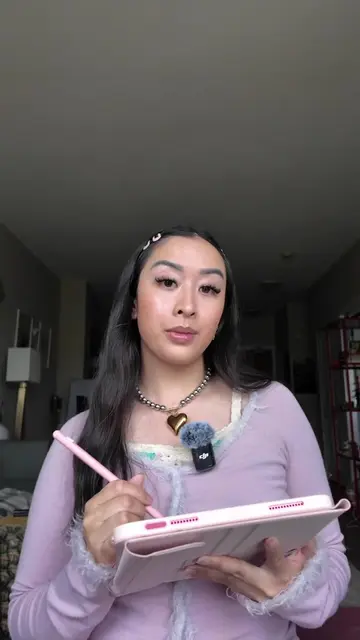
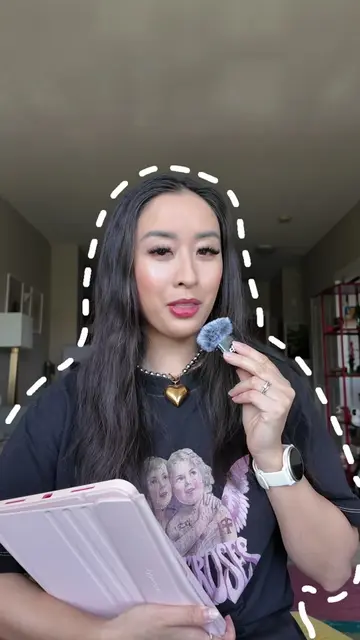
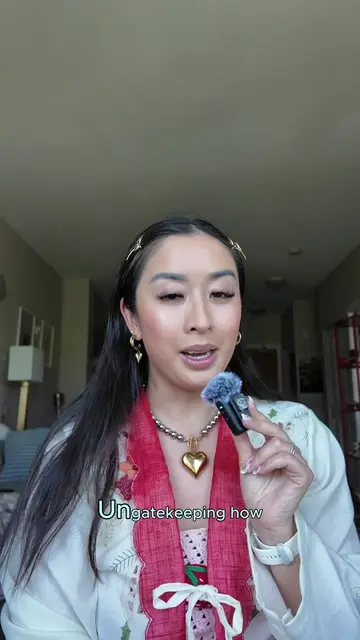
ranking my fave creator apps for editing aesthetic content
@the.stylish.wordsmith
1.9K followers · usually 1.4K views a post
Views
8.4K
Likes
378
Comments
7
Shares
18
Promoted product
Adobe Express, Canva, CapCut, 17v28 app
Original caption
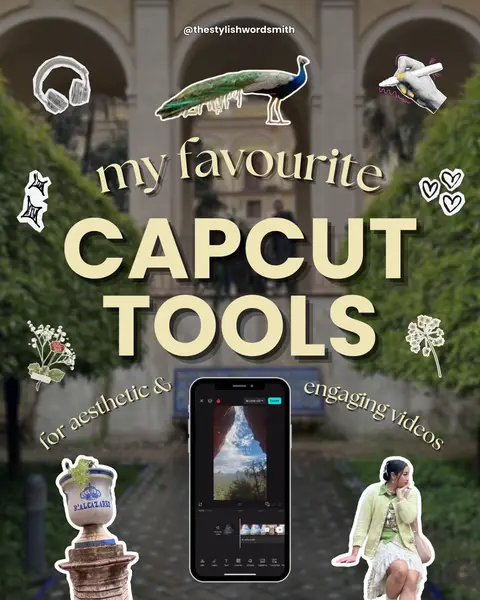
Sharing My Top 4 Favourite Creator Editing Apps 👩🏻🏫📊 🛒 In this first episode, I’m sharing the main editing apps that I use everyday to create content across multiple platforms. ADOBE EXPRESS (4.5 ⭐️) First, we have Adobe Express, an “edit anything” platform on which you can truly create anything from social media content to presentations to posters, and beyond! 🔑 KEY FEATURES: 💘 Animations 💘 Remove Background 💘 Brands library 💘 Access to Creative Cloud Files (i.e. Lightroom and Photoshop) CANVA (4.5 ⭐️) While some of the tools are sometimes less sophisticated than Adobe’s, it can be more user-friendly and has more trendy elements and templates! 🔑 KEY FEATURES: 💘 Trendy Elements 💘 Animations (especially Custom Animations) 💘 Brand Kit CAPCUT (4 ⭐️) We can’t forget about CapCut for editing engaging videos! Lately, my Tutorial Reels have been going viral and I’ve edited them all on here. 🔑 KEY FEATURES: 💘Animations 💘 Aesthetic Stickers 💘 Trendy Fonts 💘 Fun Sound FX 💘 Remove Background 💘 Use on Mobiles & Desktops SOME CONS: 🔻licensing issues 🔻price increases 17V28 (4 ⭐️) If you’re trying to spice up your carousels with less effort, you can’t go wrong with the trendy & aesthetic 17V28 app! 🔑 KEY FEATURES: 💘 Seamless Carousel Templates 💘 Sticker Collections 💘 Cutout Feature 💘 Add both Photos & Videos into designs SOME CONS: 🔻not compatible with most desktops 🔻only Carousels and Story templates at this time 💬 Which are the apps you use most? Please share in the comments! ♥️ — editing tutorial, reel edits, creative edits, animated carousels, animated reels, adobe express ambassador, photo editing tips, digital scrapbook, digital scrapbooking, editing tips, how I edit, Pinterest aesthetic, canva edits, capcut edits #howiedit #editingtips #scrapbook #digitalscrapbooking
More from @the.stylish.wordsmith
More breakout videos from this creator.