Loading video…
Sound

original sound - phantom_mvv
Фантом | ТЕХНОБЛОГ 📱
0:00–:––
Playing this video’s own audio, so you’ll hear the creator over the sound.
The video demonstrates a practical and convenient solution to a common problem (turning on a PC remotely) using a familiar device (iPhone). The clear demonstration, multi-device compatibility, and a low-cost premium option likely contributed to its appeal.
This video demonstrates how to remotely turn on a PC, Mac, or Apple Watch using the Wake PC application. It showcases the app's features, including adjusting volume and brightness, and mentions a one-time premium purchase option.
Как включать пк с помощью телефона #wakepc #фишки #iphone
Мало кто знает
Introduction to remote PC control
Demonstration with iPhone, Mac, and Apple Watch
Explaining the Wake PC app and its setup
Showcasing features like volume and brightness control
Mentioning the premium version and its cost
Call to action to download via Telegram
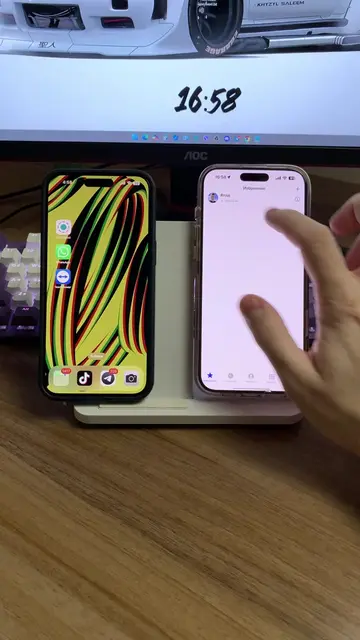
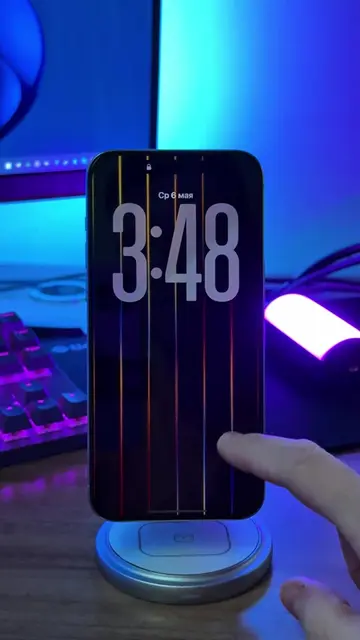
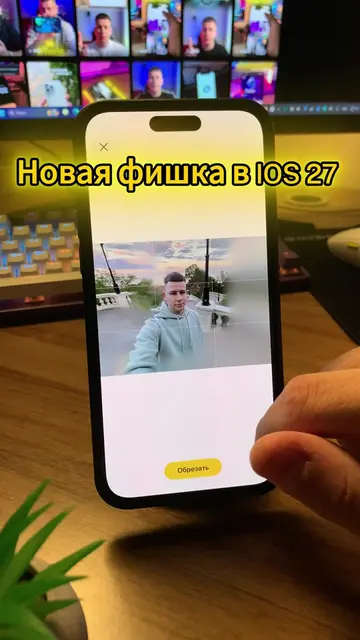
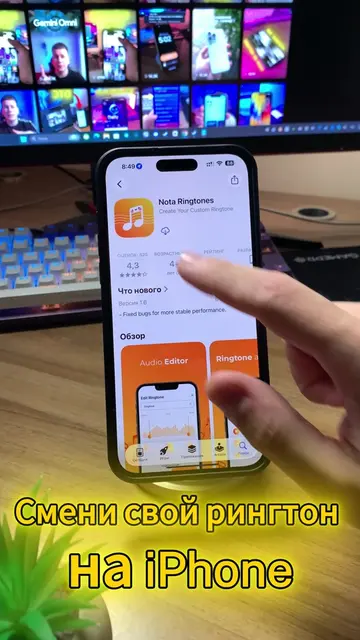
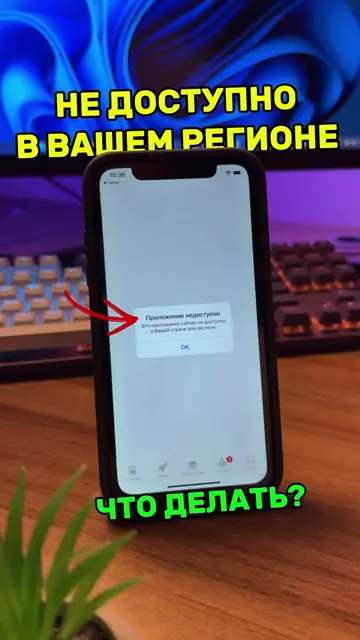
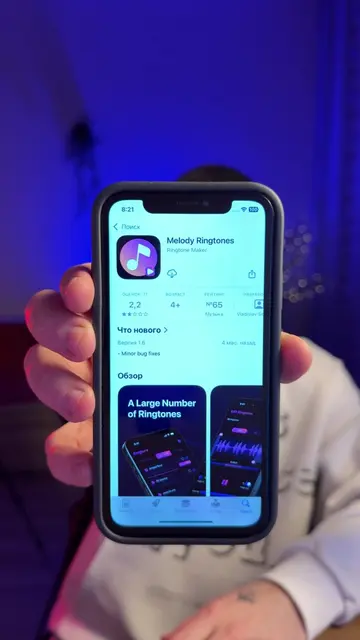
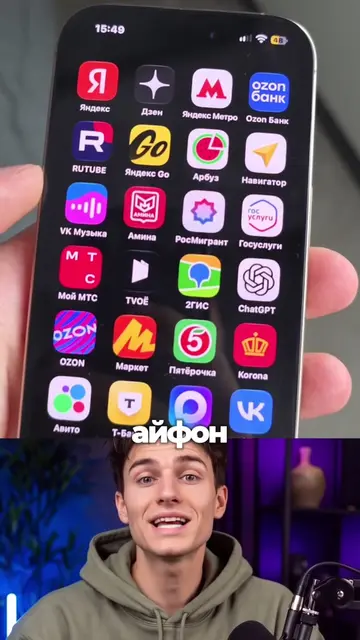
The video shows the Wake PC app on an iPhone, demonstrating its functionality to control a PC and Mac. It also shows the Wake PC website and the app's interface on a computer screen.
The creator states they will leave a link to the program in their Telegram channel, pinned there.
Playing this video’s own audio, so you’ll hear the creator over the sound.
Promotes 5 products. Create free account to see more.
Outliers and viral hits: their videos on Overshot, all time.
Phone app for remotely controlling and waking PCs and Macs
All time.