Loading video…
Sound

original sound - justicetg1
Justice || Ai & Tech · Original audio
0:00–:––
Playing this video’s own audio, so you’ll hear the creator over the sound.
The video solves a common, specific technical pain point for Mac users with a clear, step-by-step tutorial that makes the product's value immediately obvious.
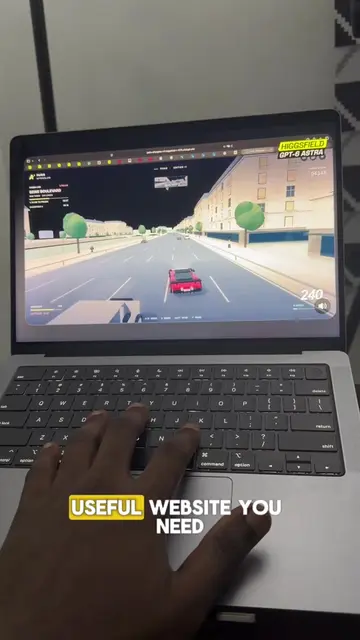
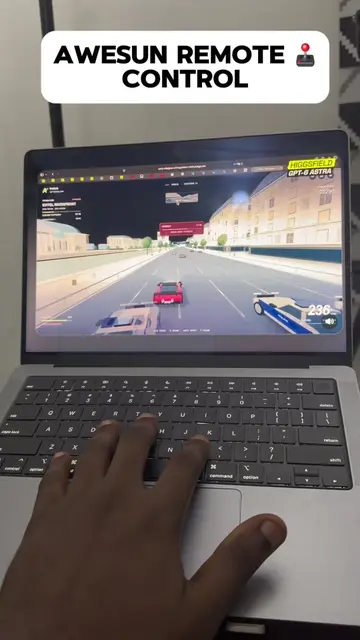
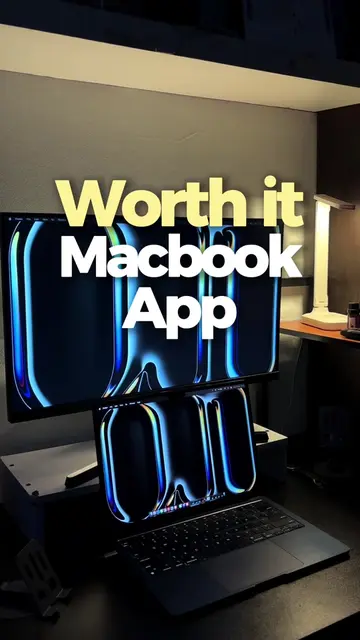
The creator demonstrates how to use AweSun to remotely control a Windows PC from a MacBook. The video highlights the setup process and the benefit of having a free version without commercial restrictions.
💻Run Windows on your Mac with ease! 🚀 #Mac #Windows #Awesun #techtok
PC tips you need to know, part 7.
Identify the problem of needing Windows on a Mac
Introduce AweSun as the solution
Walk through the installation and login process
Demonstrate the remote connection and desktop control
Highlight the free version benefit
Call to action
AweSun: (a) ACTS — the interface is operated to remotely control a Windows PC from a Mac, and the creator explains its functionality and free pricing model. Removing it would change the entire video. AweSun logo: (b) APPEARS — watermark in the corner. Removing it would not change the video.
Like and follow for more PC tips
Playing this video’s own audio, so you’ll hear the creator over the sound.
Promotes 7 products. Create free account to see more.
Outliers and viral hits: their videos on Overshot, all time.
Remote desktop software for people accessing and controlling computers across devices
All time.