Loading video…
All breakouts
 CapCutseen in 576 videos →
7.2App DemoHow-To hook
Hook
HOW to edit stop motion animations
@the.stylish.wordsmith
1.9K followers · usually 1.4K views a post
Views
9.6K
Likes
459
Comments
8
Shares
19
Selling · SaaS › Other SaaS
Why it worked
The video provides a clear, step-by-step tutorial on a creative video editing technique, making it valuable and shareable content. The use of visually appealing elements and a bonus tip further enhances its engagement potential.
Summary
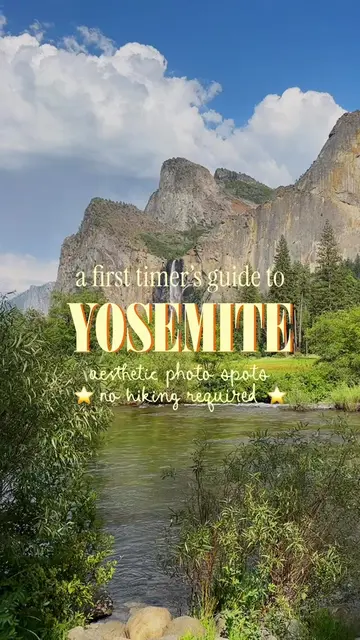
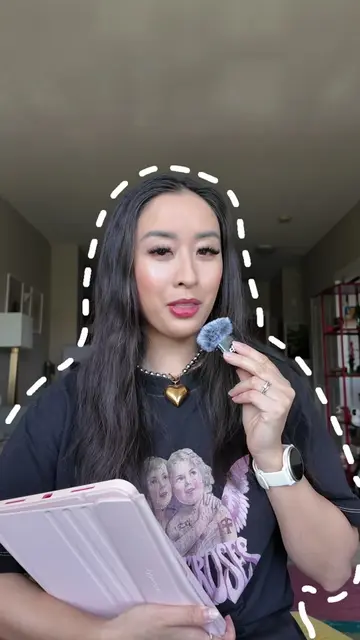
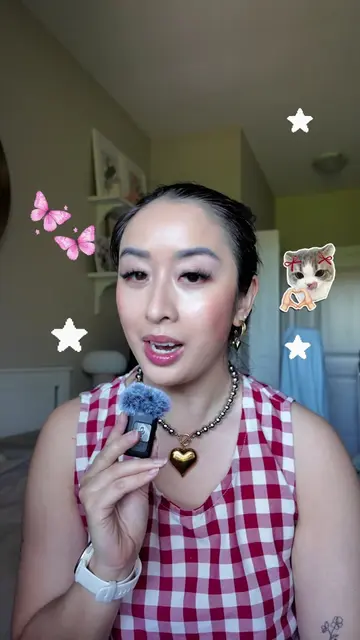
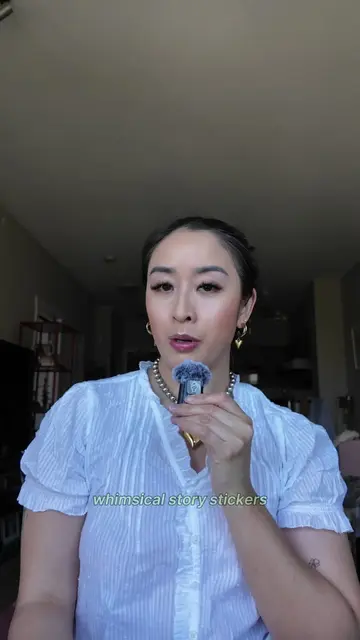
This video provides a step-by-step tutorial on how to create stop-motion animations using CapCut. It covers selecting an editing platform, preparing images by removing backgrounds and resizing, arranging them in a sequence, and adding sound effects for a more realistic final product.
Structure
- 1Introduction to stop motion animations
- 2Step 1: Choose editing platform and format (CapCut, 4:3 ratio)
- 3Step 2: Prepare object (crop, remove background)
- 4Step 3: Size objects consistently
- 5Step 4: Create animation by repeating image sequence
- 6Step 5: Experiment with movement patterns
- 7
Original caption
Try this easy tutorial for whimsical stop motion animations! 🧚♂️✂️⭐️ 💾 First, SAVE this post for later! Feeling like you want to add some extra spice into your videos or feed posts? These stop motion animations are great for highlighting objects in a dynamic way, or as a visual hook at the start of your content. 🎞️🙂↕️ Here’s a simple tutorial on how to create them: ✂️ First, pick your editing platform and content format. (I used CapCut here and decided to create a horizontal carousel so I used the 4:3 ratio.) ✂️ Next pick a video or image to be your background, then select the photo of the object you want to animate. ✂️ Crop the object as closest as possible, and then select “Remove Background” tool. ✂️ Use the “Custom Removal”’s “Smart Eraser” tool if you need to remove unwanted details. ✂️ If you’re using multiple photos for the animation, ensure they are resized to match each other! ✂️ Copy and paste each photo repeatedly to create a stop motion pattern! 🗝️ PRO TIP: it’s extra cute if you add in sound effects! 😉 💬 Did you find this tutorial helpful? Let me know! P.S. If you enjoyed this tutorial, I’ll be launching a digital social media editing course very soon — stay tuned!! 🎉 — editing tutorial, reel edits, creative edits, animated carousels, animated reels, social media agency owner, adobe express ambassador, photo editing tips, digital scrapbook, digital scrapbooking, editing tips, how I edit, Pinterest aesthetic, canva edits, capcut edits #horizontalreels #howiedit #editingtips #digitalscrapbooking #stopmotionanimation
More from @the.stylish.wordsmith
Their other posts in the index, biggest breakout first.