Loading video…
All breakouts
3.4Talking HeadStory Open hookConsumer Apps
Hook
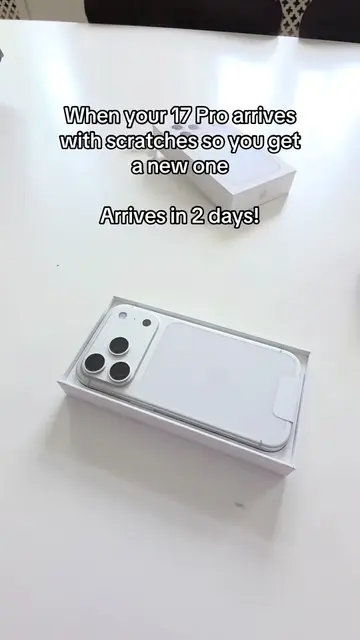
Unbox my AppleCare replacement iPhone with me!
@federaltech.two
25.4K followers · usually 29.6K views a post
Views
102.5K
Likes
4.7K
Comments
86
Shares
148
Promoted product
iPhone
Why it worked
The video taps into a common user experience (receiving a replacement device) and provides a satisfying unboxing and setup process. The clear demonstration of the setup steps, especially the data transfer, offers practical value to viewers who might be in a similar situation.
Summary
The video shows the unboxing and initial setup of a replacement iPhone received through AppleCare. It details the process of opening the package, revealing the new iPhone, and beginning the setup procedure, including transferring data from an old iPhone and updating the software.
Structure
- 1Unboxing the AppleCare package
- 2Revealing the new iPhone
- 3Starting the setup process
- 4Transferring data and entering passcode
- 5Updating software and beta program
- 6Setting up Siri and other features
Product placement
AppleCare: a service that provides warranty and support for Apple products. It ACTS by providing a replacement iPhone. Removing it would change the video's premise. iPhone: a smartphone made by Apple. It ACTS as the subject of the unboxing and setup process. Removing it would change the video's premise. Apple: the company that makes iPhones and AppleCare. It merely APPEARS as a logo on the iPhone and in the on-screen text. Removing it would not change what happens in the video.
Original caption
Apple stays goated as usual #Tech #techtok #applecare #iphone17pro #federaltech2
More from @federaltech.two
More breakout videos from this creator.