Loading video…
All breakouts

7.1App DemoOther hook
Hook
Customize - Claude
@haidershahzad58
10.0K followers · usually 4.2K views a post
Views
29.7K
Likes
1.7K
Comments
37
Shares
110
Why it worked
The video provides a quick and actionable tutorial on how to leverage an AI tool to streamline a common e-commerce task, appealing to founders looking for efficiency gains.
Summary
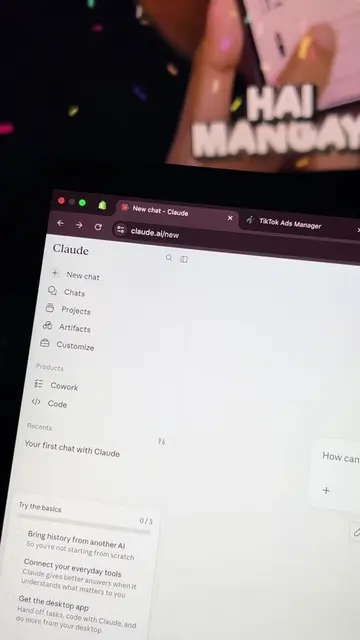
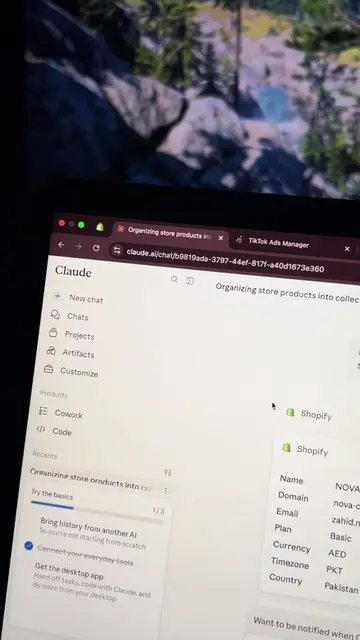
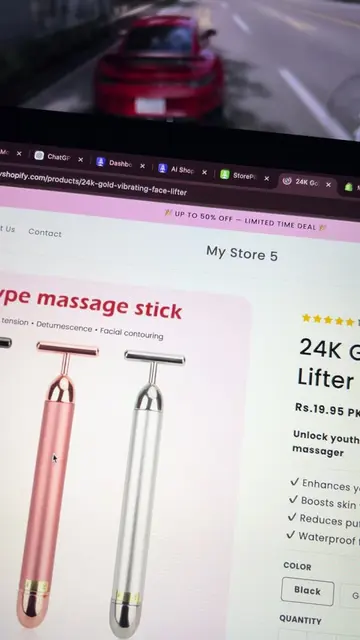
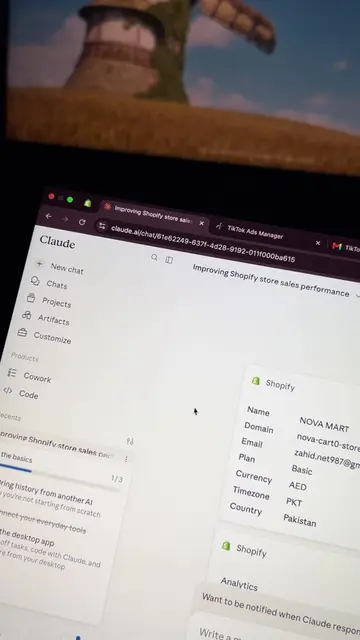
The video demonstrates how to use Claude AI to list a competitor's product on a Shopify store in under a minute. It shows the process of prompting Claude AI with the product details and competitor's URL, and then reviews the draft listing created in Shopify, outlining the next steps for publishing.
Structure
- 1Introduction to Claude AI's Shopify integration
- 2Demonstration of listing a competitor's product
- 3Review of the draft product listing in Shopify
- 4Outline of next steps for publishing the product
Product placement
Claude AI: ACTS - an AI assistant that integrates with Shopify to manage stores, add products, adjust inventory, browse orders, view customer details, and pull analytics. Removing it would change the video's functionality. Shopify: ACTS - an e-commerce platform where products are listed and managed. Removing it would change the video's context. GitHub Integration: APPEARS - a connector option within Claude AI's customization settings. Removing it would not change the video's functionality. TikTok Ads Manager: APPEARS - a tab open in the browser. Removing it would not change the video's functionality. TikTok for Business Verification: APPEARS - a tab open in the browser. Removing it would not change the video's functionality. Buy Generic Wireless Strong Suction 12000Pa Handheld Vacuum Cleaner - Portable Mini Rechargeable Car Vacuum: APPEARS - a product listing in a browser tab. Removing it would not change the video's functionality.
Original caption
Claude AI - Part 2 🤖📈 #claudeai #shopifyai #shopifytips #shopifyresults #shopifyinformation
More from @haidershahzad58
Their other posts in the index, biggest breakout first.