Loading video…
All breakouts
14.0App DemoCuriosity Gap hookConsumer Apps
Hook
A Samsung trick you wish you knew before
@tricks_fix
710.7K followers · usually 46.6K views a post
Views
555.1K
Likes
14.5K
Comments
92
Shares
509
Promoted product
Samsung Accessibility Settings
Why it worked
The video provides a useful, lesser-known tip for Samsung phone users, presented in a clear, step-by-step demonstration. The 'trick' format and the focus on a specific accessibility feature likely appealed to users looking for ways to customize their phone's display or improve readability.
Summary
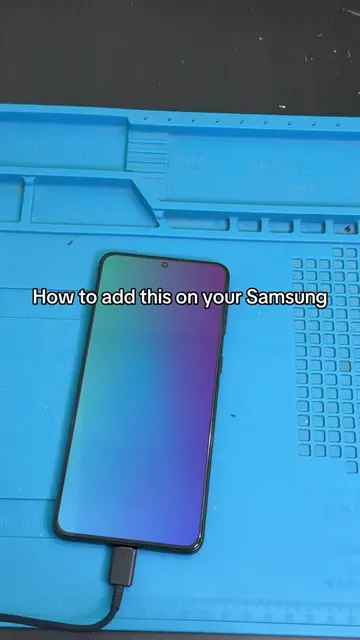
The video demonstrates how to use Samsung's accessibility settings to apply color filters to the screen. It shows how to navigate to Settings > Accessibility > Vision enhancements > Color filter, and then select a color and adjust its opacity. The video also mentions the option to add a shortcut for the color filter.
Structure
- 1Showcase Samsung trick title
- 2Navigate to Settings
- 3Access Accessibility options
- 4Select Vision enhancements
- 5Choose Color filter
- 6Apply color and adjust opacity
- 7Show shortcut option
Product placement
Original caption
#phone #phonetips #phonetricks #TechTips #apple
More from @tricks_fix
More breakout videos from this creator.