Loading video…
All breakouts
26.5App DemoHow-To hookConsumer Apps
Hook
A Samsung trick that will make you happier 🤩
@tricks_fix
710.7K followers · usually 46.6K views a post
Views
1.2M
Likes
36.6K
Comments
174
Shares
2.7K
Why it worked
The video provides a visually appealing and functional customization for a popular smartphone brand, tapping into users' desire for personalization and aesthetic enhancements.
Summary
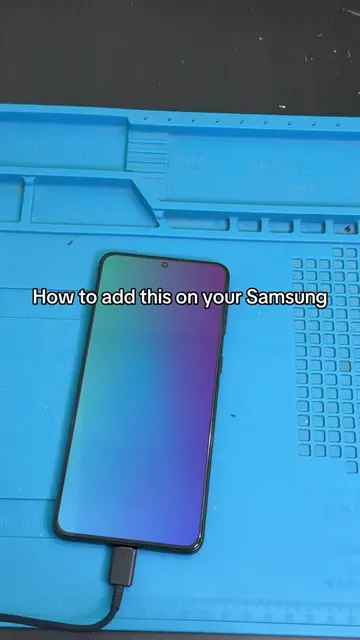
This video demonstrates a trick on a Samsung phone to enable edge lighting when the phone is charging. It guides the viewer through the settings menu to activate and customize this feature.
Structure
- 1Introduce the trick: edge lighting on charge
- 2Navigate to settings
- 3Select 'Modes and Routines'
- 4Create a new routine triggered by charging
Original caption
#phone #phonetips #TechTips #phonetricks #apple
More from @tricks_fix
More breakout videos from this creator.