Loading video…
Sound

hate that i made you love me
Ariana Grande
0:00–:––
- Videos using it
- 300
- Creators
- 250
- Views on those videos
- 109.1M
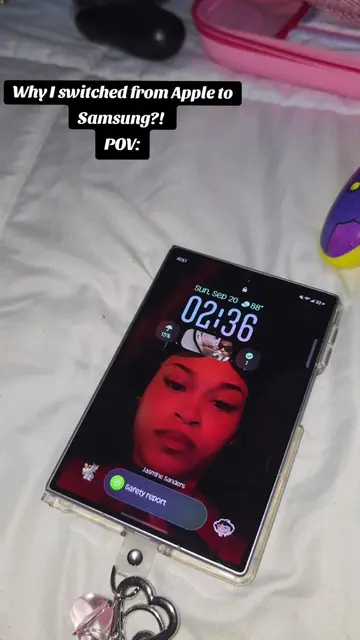
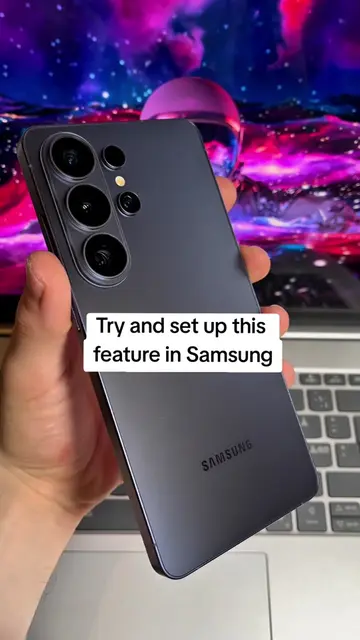
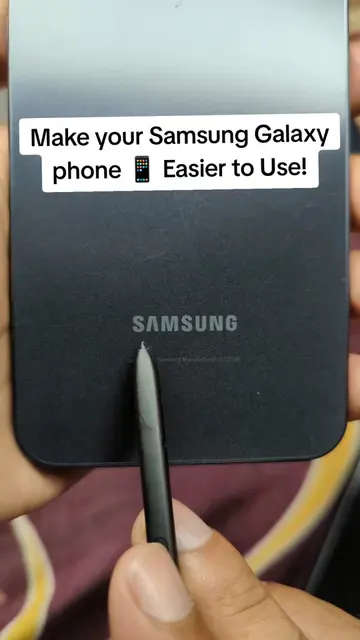
The video provides a quick and easy visual tutorial for a customization feature on a popular phone brand, appealing to users looking to personalize their devices.
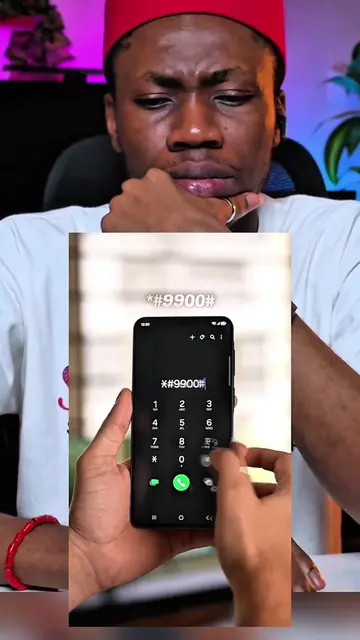
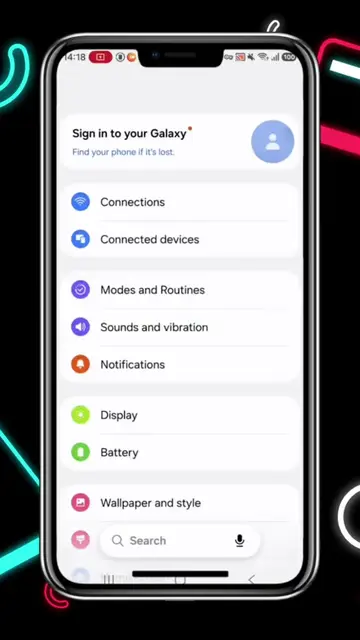
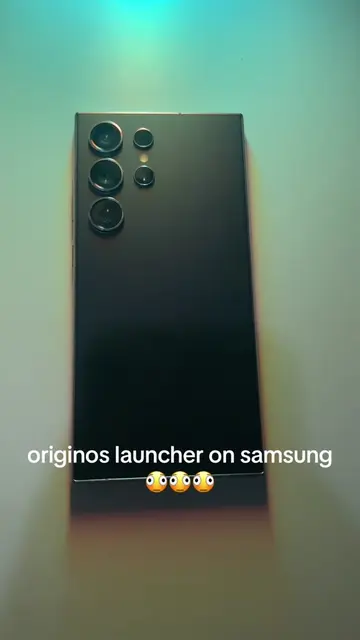
This video demonstrates how to add a dynamic color screensaver on a Samsung phone. It guides the viewer through the phone's settings, specifically the display and screensaver options, to select a color-based screensaver and shows a preview of the effect.
#phone #phonetips #TechTips #phonetricks #apple
How to add this on your Samsung
Show initial screensaver effect
Navigate to settings
Select display settings
Find and select screensaver
Choose a color screensaver option
Preview the screensaver and show final result
Samsung (phone): appears, its interface is operated to change a setting. Removing it would change what happens in the video. Google (app): appears as an icon on the home screen. Removing it would not change what happens in the video.
Promotes 4 products. Create free account to see more.
Outliers and viral hits: their videos on Overshot, all time.
Discover the latest in electronic & smart appliance technology with Samsung. Find the next big thing from smartphones & tablets to laptops & tvs & more.
All time.