Loading video…
Sound

original sound - lef.osc_
Coddy_Prog · Original audio
0:00–:––
Playing this video’s own audio, so you’ll hear the creator over the sound.
This video promotes it, but we haven’t matched it to a product page yet, so there are no product figures.
The video provides practical value to developers by highlighting useful extensions for Visual Studio Code, addressing common pain points like diagramming, Git management, and code error detection. The native mention format makes it feel less like an advertisement and more like helpful content.
The video showcases three Visual Studio Code extensions: Draw.IO Integration for creating diagrams, GitLens for enhanced Git functionality, and Spell Checker for code to detect spelling errors in code elements.
#programming #visualstudiocode #coding
Extensiones de Visual Studio que recomiendo
Introduction to Visual Studio Code extensions
Draw.IO Integration for diagramming
GitLens for Git functionality
Spell Checker for code
Conclusion
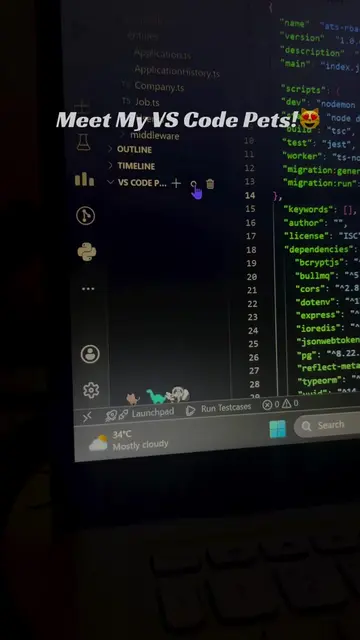
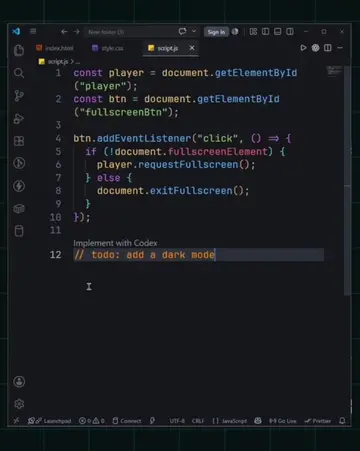
The video demonstrates the use of three Visual Studio Code extensions: Draw.IO Integration, GitLens, and Spell Checker. Each extension is shown briefly within the Visual Studio Code interface.
Playing this video’s own audio, so you’ll hear the creator over the sound.
Promotes 13 products. Create free account to see more.
Outliers and viral hits: their videos on Overshot, all time.