Loading video…
Sound

original sound - techsavvyyukti
techsavvyyukti · Original audio
0:00–:––
Playing this video’s own audio, so you’ll hear the creator over the sound.
This video promotes it, but we haven’t matched it to a product page yet, so there are no product figures.
The video provides a timely and practical tutorial for a highly anticipated software update, leveraging clear on-screen instructions and a direct, helpful tone to engage users interested in early access to new iOS features.
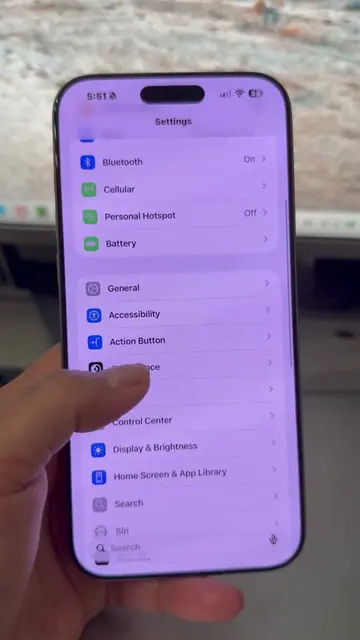
This video provides a tutorial on how to install the iOS 27 Developer Beta. It guides viewers through accessing the Apple Developer website, signing in, and navigating to the software update settings to enable the beta program.
How to Install iOS 27 Developer Beta🙌🏻 #ios27 #iphonetricks #iphoneusers #iphonefeatures #iphonecamera
iOS 27 Beta
Announce iOS 27 Beta release
Guide to developer.apple.com
Sign in to Apple Developer account
Navigate to Settings > General > Software Update
Select iOS 27 Developer Beta
Install the beta update
The video shows a step-by-step guide on how to install the iOS 27 Developer Beta on an iPhone, including navigating through the settings and developer website.
Follow TechsavvyYukti for more tips.
Playing this video’s own audio, so you’ll hear the creator over the sound.
Promotes 3 products. Create free account to see more.
Outliers and viral hits: their videos on Overshot, all time.