Loading video…
All breakouts
9.9Talking HeadOther hookConsumer Apps
Hook
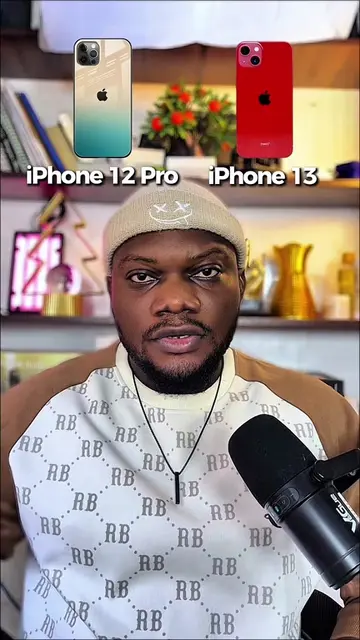
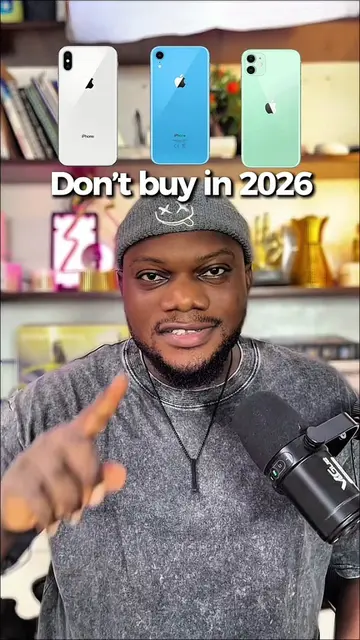
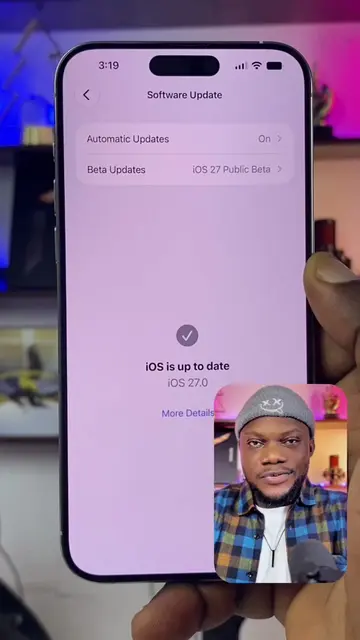
iOS 27 on iPhone XR
@olgmedia_bkp
206.0K followers · usually 50.1K views a post
Views
494.1K
Likes
28.3K
Comments
418
Shares
436
Promoted product
iOS 27 Beta Programhttps://beta.apple.com/ ↗
Why it worked
The video addresses a common user curiosity about upcoming software updates and provides a clear, step-by-step tutorial on how to access beta versions. This practical, informative content appeals to tech-savvy users eager for new features.
Summary
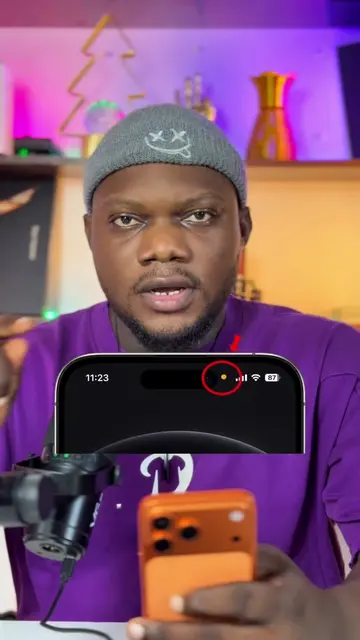
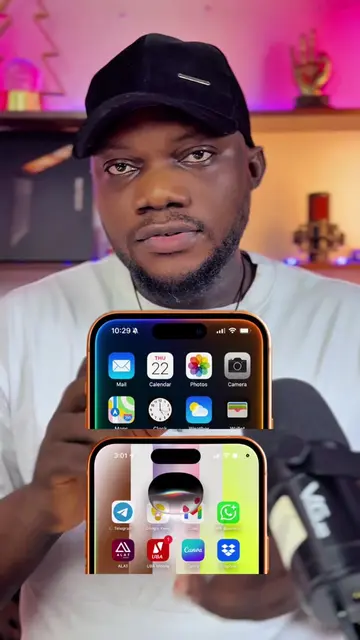
The video demonstrates how to check for and potentially install the iOS 27 beta on an iPhone XR. It emphasizes backing up the device first and then navigating to beta.apple.com to enroll in the beta program.
Structure
- 1Introduction and question about iOS 27 on iPhone XR
- 2Importance of backing up the iPhone before updating
- 3Navigating to beta.apple.com to find beta software
- 4Signing in and enrolling in the beta program
- 5Checking for beta updates in settings
- 6Concluding thoughts on whether to update
Product placement
iPhone XR (ACTS - the device being discussed and demonstrated, removing it would change the video's topic and demonstration)
iOS 27 (ACTS - the software update being discussed and demonstrated, removing it would change the video's topic and demonstration)
Apple (APPEARS - implied by iPhone and iOS, but not directly acted upon or promoted as a product itself. Removing it would not change the video's core demonstration.)
beta.apple.com (ACTS - the website where users can sign up for beta software, removing it would prevent the user from following the tutorial.)
Original caption
iOS 27 on IPhone XR #iphone #apple #ios
More from @olgmedia_bkp
More breakout videos from this creator.