Loading video…
All breakouts
21.9Talking HeadDirect Question hookConsumer Apps
Hook
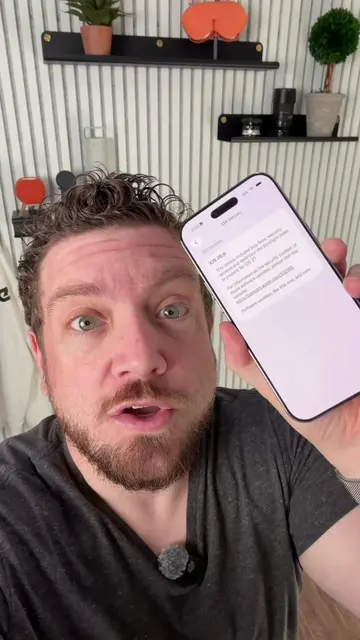
Is your iPhone still indexing after upgrading to iOS 27?!
@appleinsiderofficial
40.9K followers · usually 11.9K views a post
Views
119.9K
Likes
5.2K
Comments
390
Shares
195
Promoted product
iPhone
Why it worked
The video addresses a common pain point for iPhone users after a major OS update, providing a practical solution to monitor a frustratingly slow process. The creator's relatable exasperation and clear, step-by-step instructions make the content engaging and shareable.
Summary
The video explains how to check the progress of the iPhone's Spotlight indexing after updating to iOS 27. It demonstrates using the Mac's Console app to search for "Spotlight indexing progress" and view the completion percentage, revealing that the process can take a significant amount of time, especially with a large amount of data.
Structure
- 1Introduction to the problem of slow iPhone indexing after iOS update
- 2Demonstration of how to check indexing progress using Mac's Console app
- 3Explanation of the search term and required settings
- 4Revelation of the slow progress (49%) and frustration
- 5Advice to leave the phone plugged in and be patient
- 6Call to action for viewers to share their indexing status
Product placement
iPhone (acts: used to demonstrate a problem and solution, its interface is operated, it generates data for the solution); iOS 27 (appears: mentioned as the operating system version); Mac (acts: used to view diagnostic data from the iPhone, its interface is operated); Console (acts: software on the Mac used to view diagnostic data from the iPhone, its interface is operated)
Original caption
Is your iPhone still indexing after upgrading to iOS 27?! Here’s how to check your progress and see how long until you’re done! #apple #iPhone #iPhoneUpdate #iOS #iOS27.
More from @appleinsiderofficial
More breakout videos from this creator.