This video promotes it, but we haven’t matched it to a product page yet, so there are no product figures.
The slideshow effectively uses a problem-solution format, clearly demonstrating the benefits of the Power Platform through visual examples of completed projects. The direct call to action via WhatsApp makes it easy for interested viewers to take the next step.
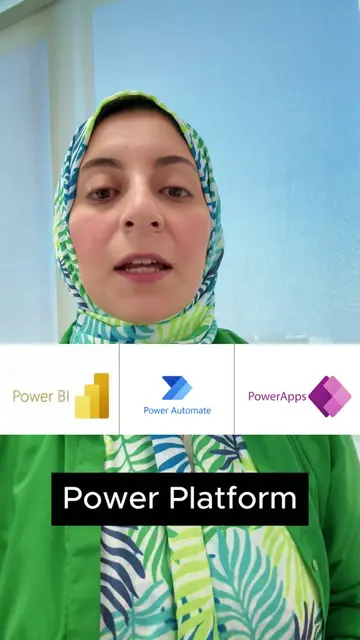
This slideshow introduces the Microsoft Power Platform as an alternative to manual work and Excel, highlighting its four main tools: Power Apps, Power Automate, SharePoint List, and Power BI. It then showcases five example projects built using these tools and encourages viewers to contact them via WhatsApp to register for an upcoming Power Apps training group.
شوف الحلول دى واحجز مكانك في مجموعة يونيو اللي هتتعلم باور بلاتفورم
تعرف ان عندك
Introduction to manual work challenges
Introducing Microsoft Power Platform as a solution
Explaining the four core tools of Power Platform
Showcasing example projects built with Power Platform
Call to action to register for a Power Apps training
Microsoft Excel: it appears as a logo, and is mentioned as a tool that can be replaced. Removing it would not change what happens in the video. It merely appears. Microsoft Power Platform: it is mentioned as a suite of tools that can replace manual work and Excel. Its components are then explained. Removing it would change what happens in the video. It acts. Power Apps: it is mentioned as a tool within the Power Platform to create business applications. Removing it would change what happens in the video. It acts. Power Automate: it is mentioned as a tool within the Power Platform to automate repetitive processes. Removing it would change what happens in the video. It acts. SharePoint List: it is mentioned as a tool within the Power Platform to create organized databases. Removing it would change what happens in the video. It acts. Power BI: it is mentioned as a tool within the Power Platform to create dashboards. Removing it would change what happens in the video. It acts. WhatsApp: it is shown as a green icon and mentioned as the contact method for more information and registration. Removing it would change what happens in the video. It acts. El Excellence by Khalil Elsherif: it appears as a logo on multiple slides. Removing it would not change what happens in the video. It merely appears.
Contact us on WhatsApp to register for the June 27 group to learn Power Apps.

Promotes 1 product. Create free account to see more.
Outliers and viral hits: their videos on Overshot, all time.