Loading video…
All breakouts
124OtherOther hookCreator Economy
Hook
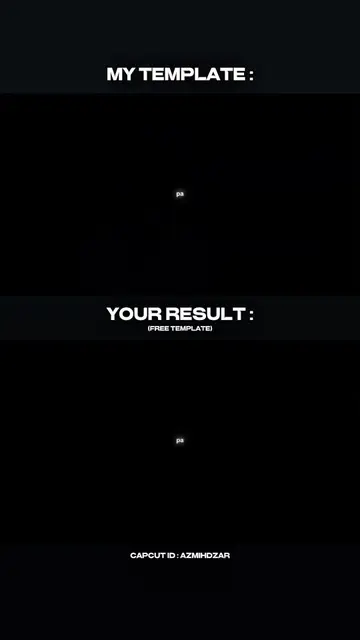
MY TEMPLATE :
@azmihdzar1
174.2K followers · usually 68.2K views a post
Views
8.5M
Likes
879.0K
Comments
5.5K
Shares
25.4K
Why it worked
The video effectively uses a "before and after" format to showcase the capabilities of a video editing template, appealing to users looking for easy ways to create engaging content. The clear visual comparison and the use of popular anime imagery likely contributed to its reach.
Summary
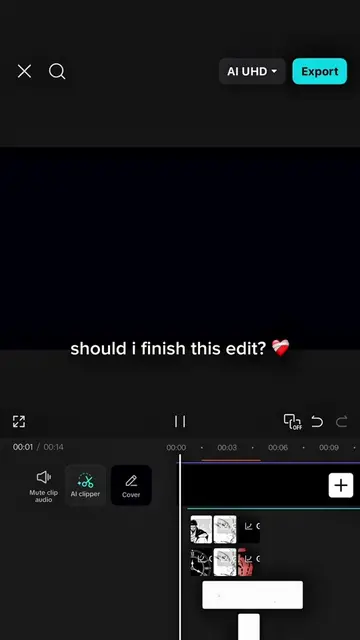
The video showcases a template for creating fandom videos, comparing a "my template" version with a "your result" version. It demonstrates how users can apply the template to their own projects, implying the use of CapCut for video editing.
Free accountLocked — create a free account to open
Transcript, structure and on-screen text
4 beats and 13 lines of on-screen text — the parts you need to write your own version.
Original caption
Save time. Use my templates to create your fandom videos 🤝☕️ #pioneertemplate #capcutpioneer #azmihdzar #trending #CapCut
More from @azmihdzar1
More breakout videos from this creator.