Loading video…
Sound

original sound - sellingwithnas
SellingwithNas · Original audio
0:00–:––
Playing this video’s own audio, so you’ll hear the creator over the sound.
The video offers a practical and actionable solution to a common problem faced by developers using AI tools for coding, by providing a more efficient method than the standard approach. The clear demonstration and step-by-step instructions make it easy for viewers to replicate the process.
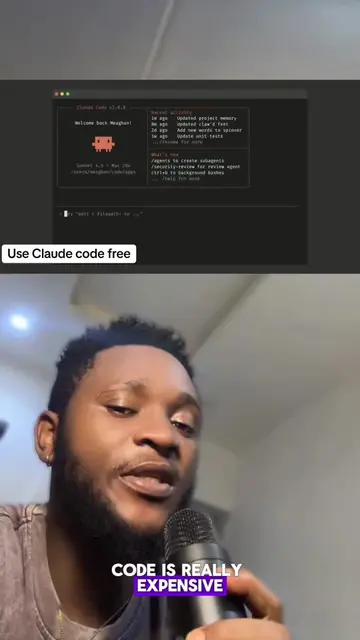
The creator explains how to use Claude more effectively for app development by integrating it into Visual Studio Code via a free extension. This method allows for more comprehensive code generation compared to using the standalone Claude app.
I stopped using Claude on desktop to build apps, and you should do the same. Here’s oñjow to do it instead. #claude #ai
Stop using Claude to build Apps
Introduction: Stop using Claude app for building apps
Problem: Claude app output is limited
Solution: Use Claude Code extension in VS Code
How-to: Download VS Code, find extension, add credentials
Benefit: Prompt Claude for full project generation in real-time
Call to action: Follow for more AI tips
The video demonstrates using the 'Claude Code for VS Code' extension within Visual Studio Code, showing how to search for it, install it, and use it to prompt Claude for code generation.
make sure to hit that follow button
Playing this video’s own audio, so you’ll hear the creator over the sound.
Promotes 4 products. Create free account to see more.
Outliers and viral hits: their videos on Overshot, all time.
AI coding extension for developers generating and editing code in Visual Studio Code
All time.