Loading video…
Sound

original sound - dreamface_ai
DreamFace_ai · Original audio
0:00–:––
Playing this video’s own audio, so you’ll hear the creator over the sound.
The video leverages a popular trend (body swapping) and provides a clear, step-by-step tutorial for a free AI tool, making it highly accessible and shareable.
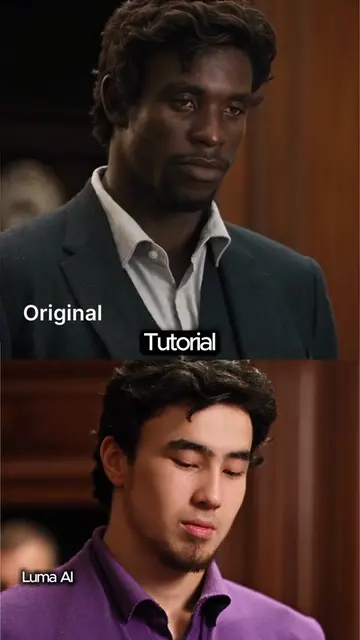
This video demonstrates how to use the DreamFace AI app to perform a body swap. It guides the viewer through opening the app, selecting 'DreamAct', and uploading a reference video and avatar photo to create the effect.
Seen that body-swap trend everywhere? DreamFace makes it easy and FREE. Go try it yourself! 📱 #dreamface #bodyswap #characterchange #facechange
DREAMFACE AI Body Swap Tutorial!
Introduction to DreamFace AI body swap
Step 1: Open the app
Step 2: Click 'DreamAct'
Step 3: Upload reference video and avatar
Processing and final result
DreamFace AI (ACTS - it is the app being used to perform the body swap, which is the core function of the video. Removing it would change what happens in the video).
Go try it yourself!
Playing this video’s own audio, so you’ll hear the creator over the sound.
Outliers and viral hits: their videos on Overshot, all time.
AI video generation tool for people creating animated videos
All time.