Loading video…
All breakouts
4.8App DemoHow-To hookEducation
Hook
Here's how to build your own real-time Jarvis voice assistant
@code_with_alex
31.5K followers · usually 6.3K views a post
Views
22.2K
Likes
1.2K
Comments
28
Shares
49
Promoted product
OpenAI API
Why it worked
The video provides a practical, step-by-step guide to building a functional AI voice assistant, which is a popular and engaging topic. The clear explanation of code and the live demonstration make it easy for viewers to follow along and replicate the project.
Summary
This video demonstrates how to build a real-time voice assistant named Jarvis using Python and the OpenAI API. It covers the core functions for speaking, listening, and interacting with the AI, showcasing the code and explaining the process of capturing audio, transcribing it, sending it to the LLM, and generating spoken responses.
Structure
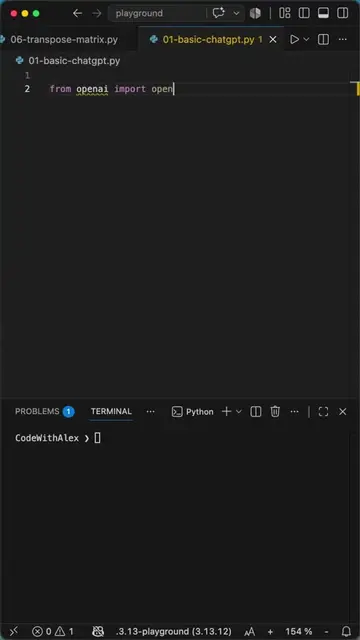
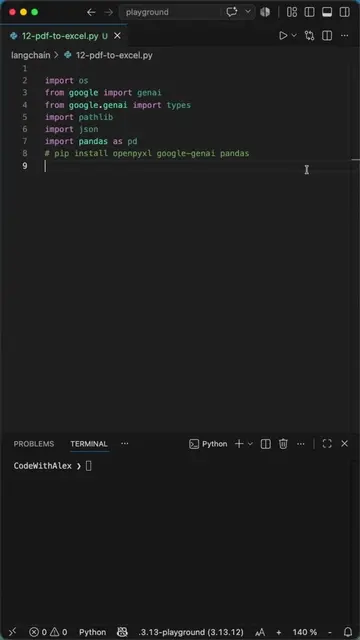
- 1Introduction and imports
- 2Configuring OpenAI client
- 3Speak function implementation
- 4Listen function implementation
- 5Ask AI function implementation
- 6Main loop and demonstration
Product placement
OpenAI: acts - provides API for text-to-speech and LLM functionality. Removing it would break the core functionality of the voice assistant.
SpeechRecognition: acts - library used for transcribing audio input. Removing it would prevent the assistant from understanding spoken commands.
SoundDevice: acts - library used for playing audio output. Removing it would prevent the assistant from speaking responses.
SoundFile: acts - library used for handling audio file formats. Removing it would prevent the assistant from saving and reading audio data.
NumPy: acts - library used for numerical operations, specifically for handling audio data arrays. Removing it would break audio processing.
Google: acts - provides speech recognition service via its API. Removing it would prevent the assistant from transcribing spoken words.
Original caption
Jarvis Voice Assistant in Python using ChatGPT API #python #coding #programming In this short video I show you how to build your own real-time Jarvis voice assistant using the ChatGPT API. We create three functions: speak, listen, and ask_ai. Together they capture your voice, transcribe it, send the text to the LLM, and play back the response as speech using a text to speech model on the response. By passing a simple instruction to act like an intelligent assistant named Jarvis and picking a deep-sounding voice, we get a surprisingly convincing result. This is a basic script that can easily be extended. Let me know in the comments if you want to see an upgraded version. Background 🎧: Rain, Book And Cup Of Tea by | e s c p | https://www.escp.space https://escp-music.bandcamp.com
More from @code_with_alex
More breakout videos from this creator.