Loading video…
All breakouts
4.5App DemoHow-To hookEducation
Hook
Here is how to build a PDF Invoice to Excel automation in Python with around 80 lines of code using the Gemini API for free.
@code_with_alex
31.5K followers · usually 6.3K views a post
Views
20.7K
Likes
870
Comments
22
Shares
51
Promoted product
Gemini AI
Why it worked
The video provides a practical, step-by-step tutorial on automating a common business task (invoice data extraction) using readily available tools (Python, Gemini AI, pandas). The clear code demonstration and explanation of each step make it easy for viewers to follow along and replicate the solution.
Summary
This video demonstrates how to build a Python script that automatically extracts data from PDF invoices and saves it into an Excel file. It utilizes the Gemini AI API to process the PDFs and the pandas library to manage the data.
Structure
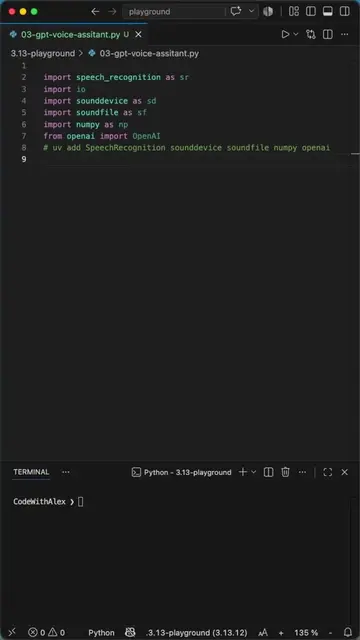
- 1Import necessary libraries (os, genai, pathlib, json, pandas).
- 2Initialize Gemini client and define input/output file paths.
- 3Define a JSON schema for the expected invoice data structure.
- 4Loop through PDF files in a specified folder.
- 5Send each PDF to the Gemini API for data extraction based on the schema.
- 6Parse the JSON response, format item data, and append to a list.
- 7
Original caption
How to Auto-Extract PDF Invoices Into Excel With Python and Gemini AI #python #coding #programming Here is how to build a PDF Invoice to Excel automation in Python with around 80 lines of code using the Gemini API for free. In this video you will learn how to extract structured data from PDF invoices using a JSON schema, loop through a whole folder of files with glob, and append every result into one growing Excel spreadsheet using pandas. Let me know if you want the source code. I could share it via GitHub.
More from @code_with_alex
More breakout videos from this creator.