Loading video…
All breakouts
28.4Talking HeadStory Open hookAI Tools
Hook
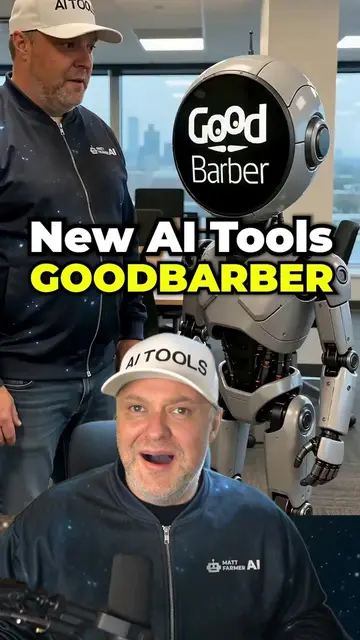
All right, I review AI tools every single day and my browser is a disaster.
@mattfarmerai
164.0K followers · usually 18.1K views a post
Views
492.8K
Likes
2.0K
Comments
71
Shares
341
Why it worked
The video addresses a specific, relatable pain point for power users (tab fatigue) and provides a clear, high-utility solution that saves time, making the product demo feel like valuable advice rather than a sales pitch.
Summary
The creator demonstrates how the Tabbit browser solves the problem of managing multiple AI tools by integrating them directly into the browser. He shows how to create a custom 'skill' to automate the process of summarizing product information from multiple open tabs.
Structure
- 1Identify the problem of tab clutter when using multiple AI tools
- 2Introduce Tabbit as an AI-native browser solution
- 3Demonstrate the sidebar chat and multi-model access
- 4
Original caption
Tabbit puts ChatGPT, Claude, and Gemini inside your browser Built a Skill that drafts my entire AI tool review. Made with @Tabbit #tabbit #tabbitbrowser #AIbrowser #aitools #ai 🔗 Try Tabbit:https://kzu.cc/a8GTFt
More from @mattfarmerai
More breakout videos from this creator.