Loading video…
Sound

original sound - tiktokgrowthboss
tiktokgrowthboss · Original audio
0:00–:––
Playing this video’s own audio, so you’ll hear the creator over the sound.
This video promotes it, but we haven’t matched it to a product page yet, so there are no product figures.
The video provides a quick and actionable tutorial on a built-in feature that simplifies content creation, addressing a common pain point for users struggling with editing and idea generation.
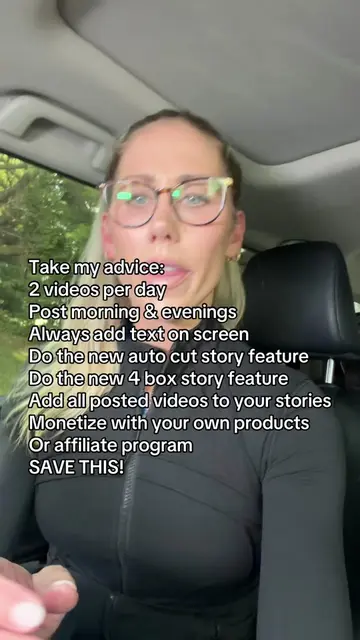
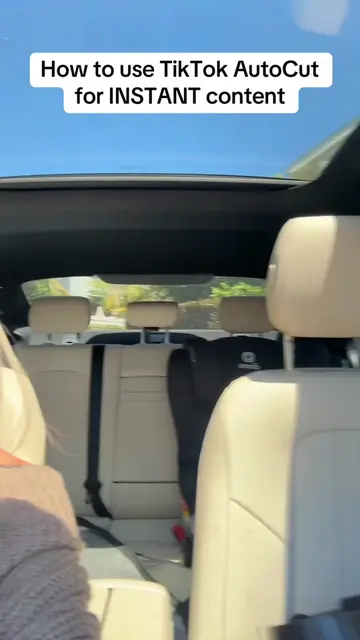
This video explains how to use TikTok's AutoCut feature to automatically edit videos from photos or clips. The creator advises users to select 3-5 random media files, tap AutoCut, add relevant text keywords to the screen, and choose a trending sound to increase the chances of their content being pushed.
Use the autocut feature to help tiktok build your content #smallcreators #tiktoktips #howtogoviraltips
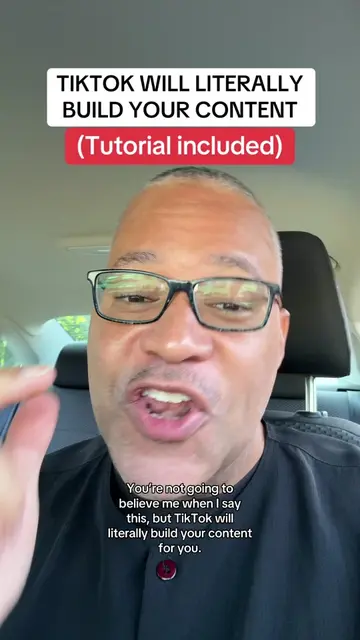
TIKTOK WILL LITERALLY BUILD YOUR CONTENT
Introduction to TikTok's AutoCut feature
Demonstration of selecting media and using AutoCut
Instruction on adding text and choosing a sound
Explanation of why this method increases reach
Call to action to follow for more tips
TikTok: ACTS - it is used to create and edit videos, and its features (AutoCut) are demonstrated. Removing it would change the video's content and purpose. Stan Store: APPEARS - it is linked in the creator's bio and serves as a platform for their offerings, but its interface is not operated or demonstrated within the video itself. Removing it would not change what happens in the video.
Follow me because I post tips like this every single day.
Playing this video’s own audio, so you’ll hear the creator over the sound.
Promotes 2 products. Create free account to see more.
Outliers and viral hits: their videos on Overshot, all time.