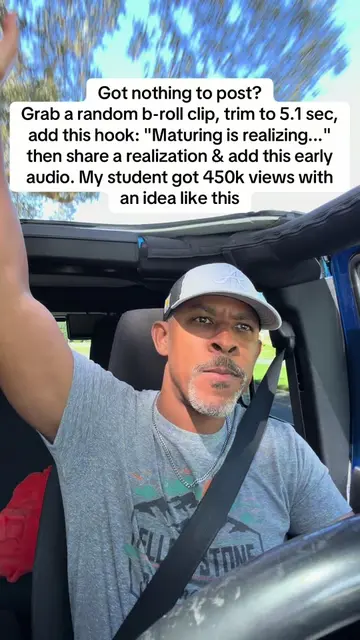
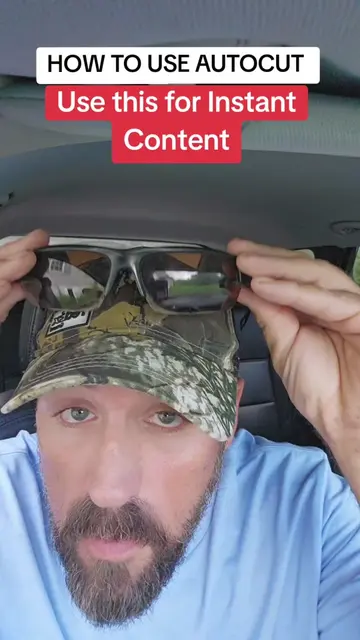
Loading video…
Sound

original sound - digitalkingship
Coach Robert | DigitalKingship · Original audio
0:00–:––
Playing this video’s own audio, so you’ll hear the creator over the sound.
This video promotes it, but we haven’t matched it to a product page yet, so there are no product figures.
The video addresses a common pain point for content creators (not knowing what to post) and offers a simple, quick solution using a built-in app feature. The native mention of AutoCut within the TikTok app itself makes it easily accessible and relevant to the platform's users.
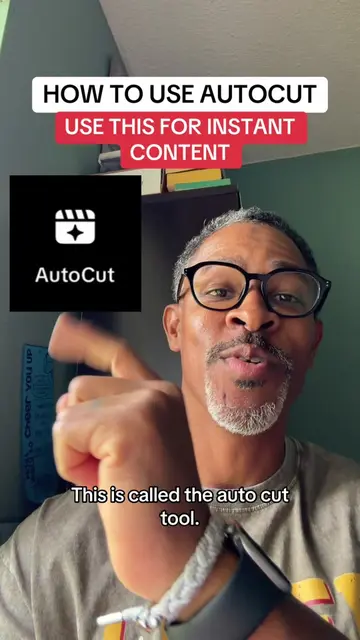
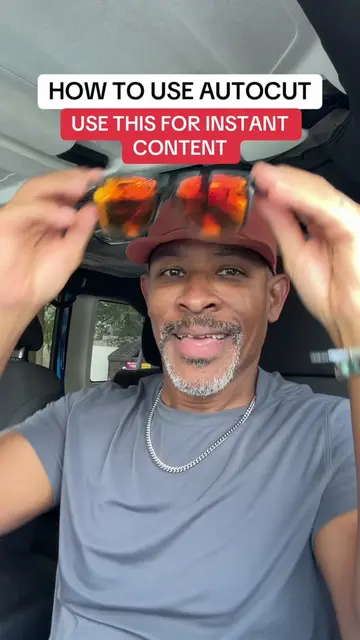
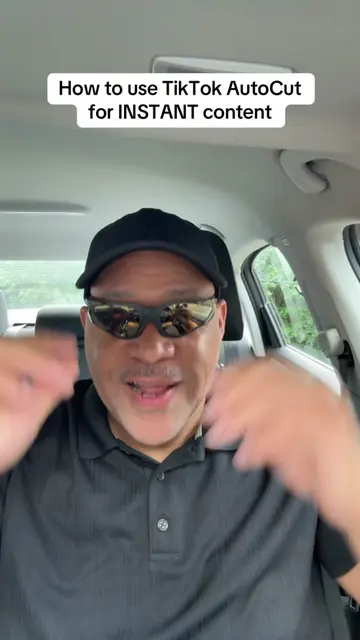
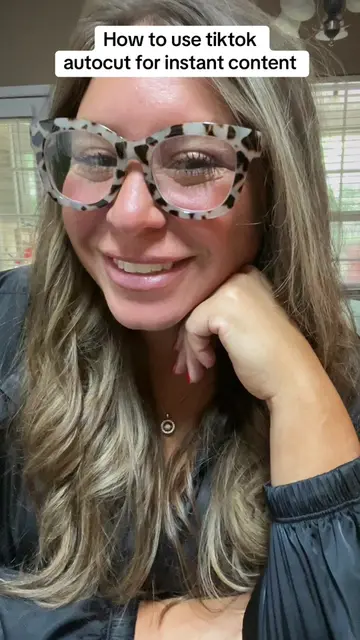
This video demonstrates how to use TikTok's AutoCut feature to quickly create content. It guides viewers through selecting photos or clips, letting AutoCut edit them with templates and sounds, and suggests posting the final video to their story for increased visibility.
Tutorial included - why’d my face pop up like that? 😂😜 #tiktoktips #smallcreator #autocut
How to use TikTok AutoCut for INSTANT content
Introduction to the problem of not knowing what to post
Introducing TikTok's AutoCut feature
Demonstrating how to access and use AutoCut with photos/clips
Explaining AutoCut's automatic editing and template selection
Advising to post to stories for better reach
Concluding with a call to action to follow for more tips
TikTok AutoCut: A feature within the TikTok app that automatically edits videos using user-provided photos or short clips. It selects templates and sounds to create a video. It ACTS as a video editing tool. Removing it would change what happens in the video.
follow me for more TikTok growth tips that actually work.
Playing this video’s own audio, so you’ll hear the creator over the sound.
Promotes 2 products. Create free account to see more.
Outliers and viral hits: their videos on Overshot, all time.