Loading video…
Sound

original sound - tipsscerdass
Tipss cerdass · Original audio
0:00–:––
Playing this video’s own audio, so you’ll hear the creator over the sound.
Hook
Posted Jun 25, 2026Video · 1:26by @tipsscerdass
This video promotes it, but we haven’t matched it to a product page yet, so there are no product figures.
The video addresses a common user concern about being blocked on WhatsApp, providing a clear, actionable method to verify this. The use of screen recording and direct demonstration makes the information easy to follow and replicate.
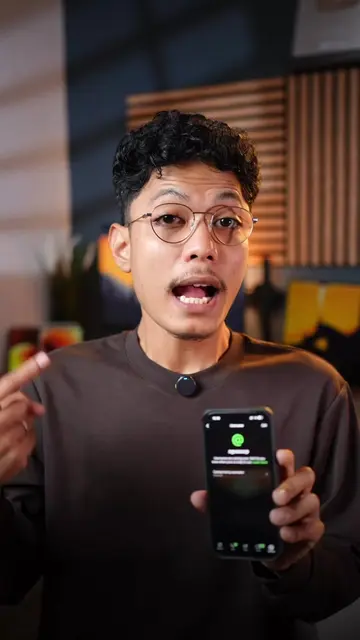
The video demonstrates how to check if a WhatsApp contact has blocked you. It explains that if the end-to-end encryption is automatically verified, the contact has not blocked you, but if it prompts for manual verification, you have likely been blocked.
Cara cek nomor whatsapp kamu diblokir teman atau tidak#tutorialandroid #tipsandroid
Cara baru mengetahui Nomor wa kalian Diblokir teman /tidak
Introduction to checking blocked contacts on WhatsApp
Explaining that profile pictures are still visible even if blocked
Demonstrating the method by checking encryption status in a chat
Showing a verified encryption status indicating no block
Showing a prompt for manual verification indicating a block
Concluding with a summary of the method
WhatsApp (app): Used to check if a contact has blocked the user. Its interface is operated, and a visible result (checking contact status) comes from it. Removing it would change what happens in the video.
Playing this video’s own audio, so you’ll hear the creator over the sound.
Promotes 4 products. Create free account to see more.
Outliers and viral hits: their videos on Overshot, all time.