Loading video…
All breakouts
22.7Talking HeadDirect Question hookConsumer Apps
Hook
SO I HEAR YOU HAVE AN IPHONE.
@lorenzo_angeles
44.1K followers · usually 24.3K views a post
Views
243.6K
Likes
19.1K
Comments
318
Shares
17.2K
Promoted product
iPhone
Why it worked
The video provides useful, lesser-known tips for a widely used product (iPhone), making it highly shareable and informative for a broad audience. The demonstration of practical accessibility features appeals to users seeking enhanced functionality or solutions for specific needs.
Summary
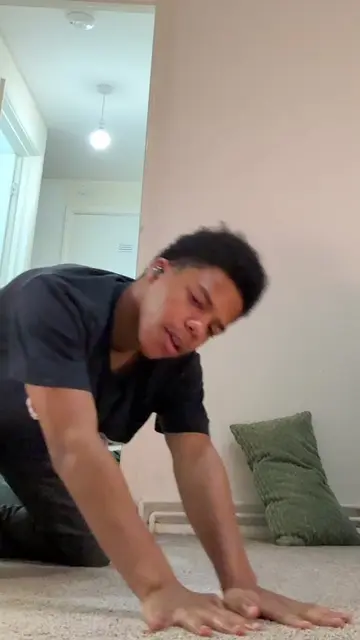
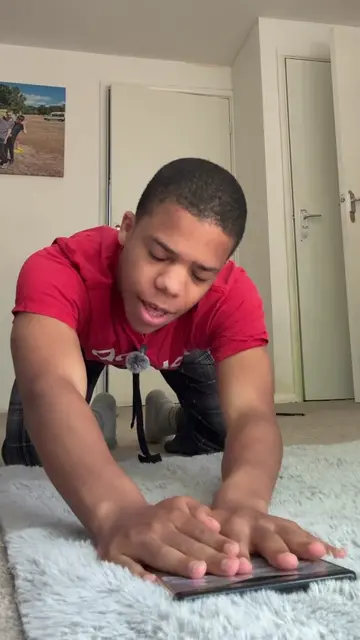
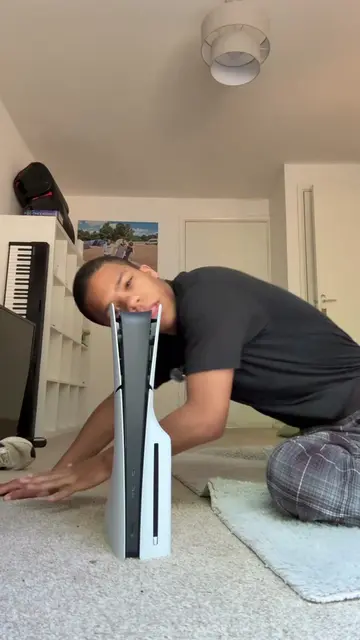
The video demonstrates two accessibility features on iPhones: eye tracking, which allows users to control their screen with their eyes and head, and motion keys, which can help reduce motion sickness when used in a car. The creator explains that these features can be found in the iPhone's accessibility settings.
Structure
- 1Introduction to iPhone features
- 2Explaining eye tracking
- 3Explaining motion keys
- 4Mentioning back tap functionality
- 5Concluding with accessibility settings
Product placement
iPhone: ACTS - it is operated using eye tracking and back tap features. Removing it would change the video. Apple: APPEARS - it is part of the iPhone product name. Removing it would not change what happens in the video. Adidas: APPEARS - it is a logo on the creator's t-shirt. Removing it would not change what happens in the video.
On-screen text
Original caption
Here are some tips and tricks for your iPhone Apple iPhone. If you’re using the iPhone 16 pro Max or the iPhone 15 Pro Max or the iPhone iPhone 14 Pro Max. These features are in the Apple iPhone iPhones accessibility settings.
More from @lorenzo_angeles
More breakout videos from this creator.