Loading video…
All breakouts
12.2App DemoOther hookAI Tools
Hook
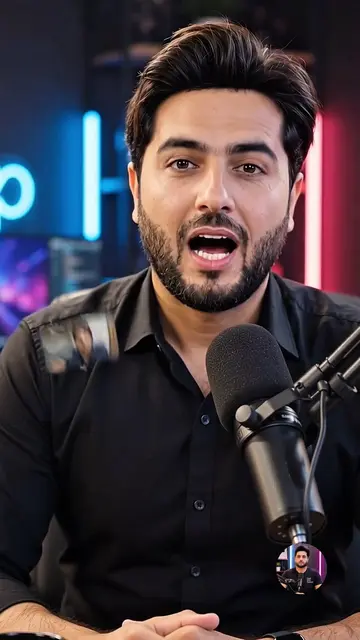
Watch this video
@techwithtaimoorr
54.4K followers · usually 28.7K views a post
Views
334.6K
Likes
12.3K
Comments
506
Shares
4.1K
Promoted product
Google AI Studio
Why it worked
The video leverages a trending AI feature within a popular platform (YouTube Shorts) to demonstrate a creative and engaging use case. The clear, step-by-step tutorial format makes it easy for viewers to replicate the process, while the visually appealing animation and the creator's call to action encourage engagement and channel growth.
Summary
This video demonstrates how to use Google AI Studio to animate a photo. It shows the process of uploading a photo, selecting an AI model, and generating an animated video. The creator encourages viewers to try this new feature and follow their channel for more tech tips.
Structure
- 1Introduce the concept of animating photos with AI
- 2Showcase the Google AI Studio interface
- 3Demonstrate the step-by-step process of creating an animated video
- 4Show the final animated video
- 5Encourage viewers to try the feature and follow the channel
Product placement
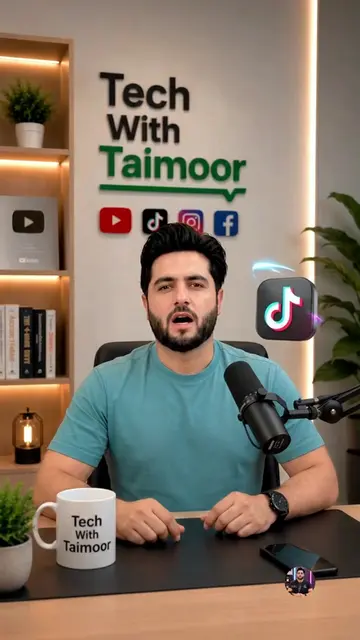
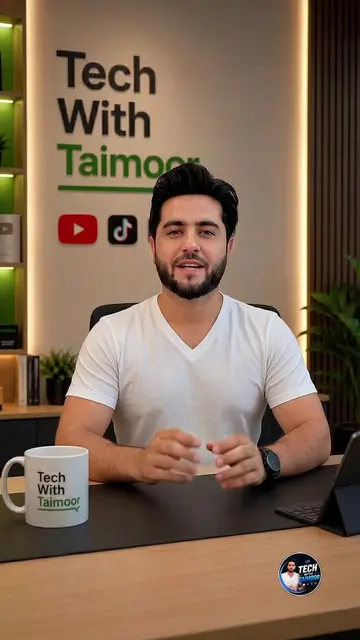
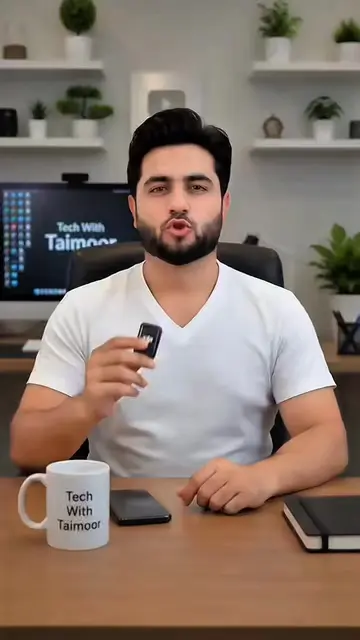
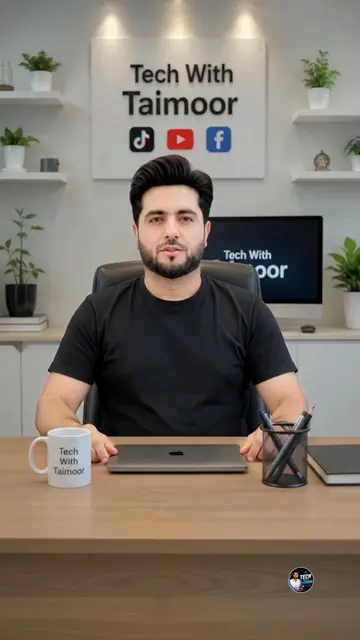
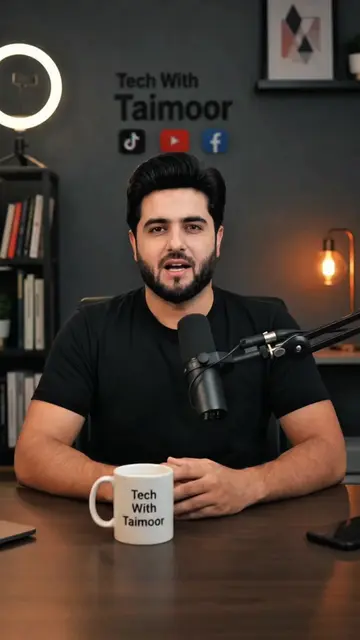
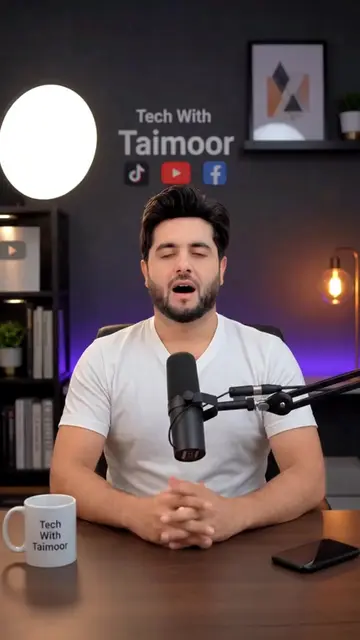
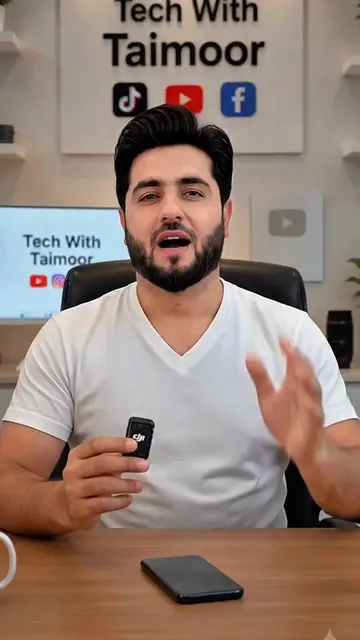
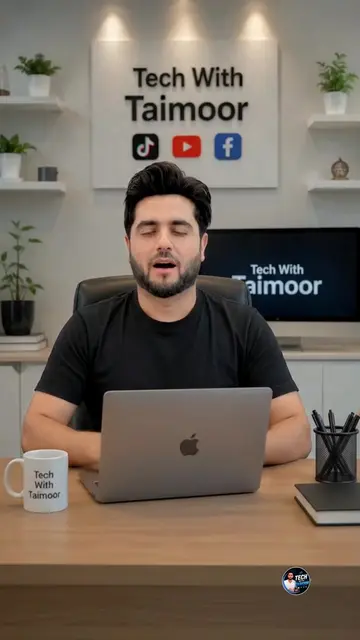
Tech With Taimoor (channel name) - appears on screen and on mug. Removing it would not change what happens in the video. YouTube (platform) - appears on screen. Removing it would not change what happens in the video. TikTok (platform) - appears on screen. Removing it would not change what happens in the video. Facebook (platform) - appears on screen. Removing it would not change what happens in the video. Google AI Studio (platform) - appears on screen and is the subject of the video. Removing it would change what happens in the video.
Original caption
YouTube Automation - How to Create YouTube Ai Videos #aiautomation #youtubeautomation #techwithtaimoor
More from @techwithtaimoorr
More breakout videos from this creator.