Loading video…
All breakouts
3.5Text-HeavyListicle hookEducation
Hook
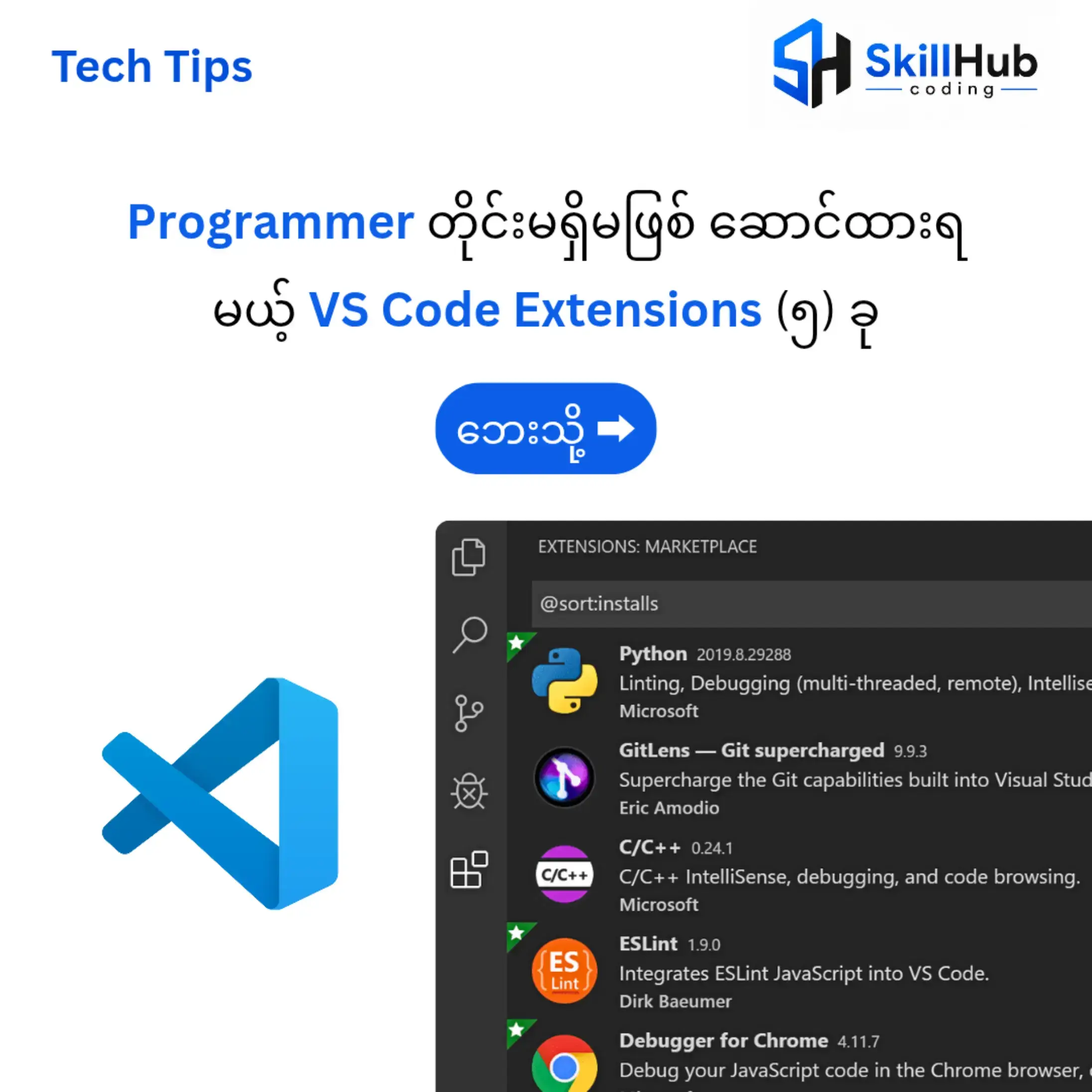
Tech Tips Programmer တိုင်းမရှိမဖြစ်ဆောင်ထားရ မယ့် VS Code Extensions (၅) ခု
@skillhubcoding1
14.4K followers · usually 12.3K views a post
Views
41.3K
Likes
4.1K
Comments
19
Shares
289
Why it worked
The video provides a concise and practical overview of useful VS Code extensions, directly addressing a common need for programmers. The clear explanations and visual aids make it easy to understand the benefits of each tool, while the call to action to join a community group offers further value and engagement.
Summary
This video showcases five essential VS Code extensions for programmers: Live Server, Error Lens, Auto Rename Tag, GitLens, and Prettier. It explains the functionality of each extension and encourages viewers to join the SkillHub coding group on Telegram for more programming and coding knowledge.
Structure
- 1Introduction to VS Code Extensions
- 2Live Server explanation
- 3Error Lens explanation
- 4Auto Rename Tag explanation
Original caption
#programming #programmer #webdeveloper #coding #skillhubcoding
More from @skillhubcoding1
More breakout videos from this creator.