Loading video…
All breakouts
7.5App DemoHow-To hookCreator Economy
Hook
How To Do This?
@enriquestory
4.6M followers · usually 83.5K views a post
Views
601.5K
Likes
27.5K
Comments
182
Shares
3.1K
Promoted product
—
Why it worked
The video provides a clear, step-by-step tutorial for a popular video transition effect, making it highly shareable and useful for aspiring content creators. The creator also offers practical tips to improve the outcome.
Summary
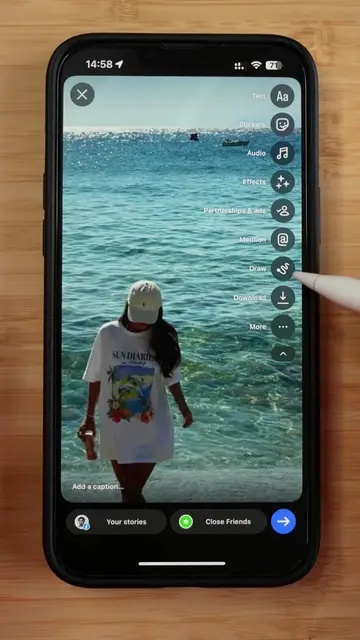
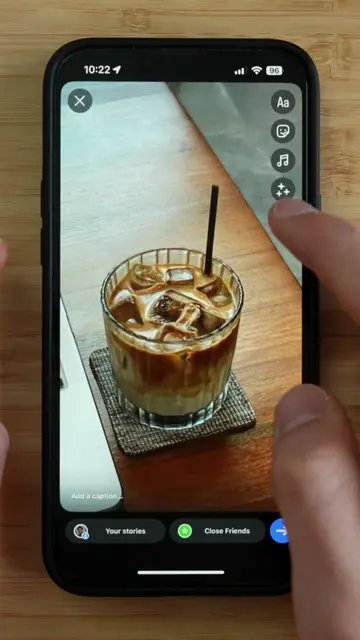
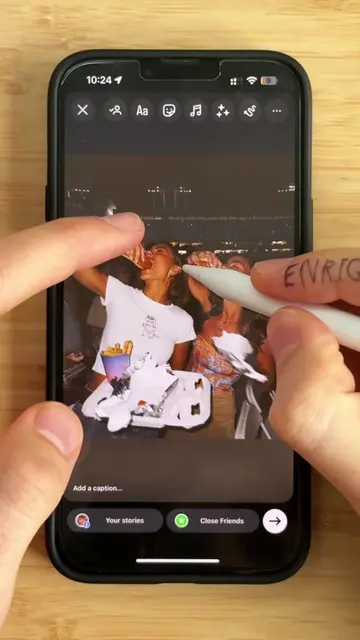
This video demonstrates how to create a seamless outfit transition effect using video editing software. It shows the process of filming two clips with similar movements and then layering them with a mask to achieve the desired effect.
Structure
- 1Film first clip
- 2Film second clip with outfit change
- 3Import clips into editor
- 4Apply overlay and mask
- 5Align movements
- 6Export video
Call to action
Save this tutorial and try it for your next creative video!
On-screen text
How To Do This?
Original caption
I’ve been getting a lot of questions about this crazy outfit transition 💥, so here’s the full step-by-step breakdown 🧡 Two tipps for a better transition: 1️⃣ Film with artificial light. As you see in my case the lighting changes. That‘s why there is a hard cut between both clips. 2️⃣ Create space. Film from further away. That‘s how the transition seems smoother plus it looks more aesthetic. Learn from my mistakes. Save this tutorial and try it for your next creative video! 👇🏽 Tools: your Phone, Edits Just try it out. It’s worth it! Video Inspiration by: @Brunx Wear #tutorial #creativity #effect
More from @enriquestory
More breakout videos from this creator.