Loading video…
All breakouts
11.5App DemoBefore / After hookCreator Economy
Hook
LIFE BEGINS AFTER
@enriquestory
4.6M followers · usually 83.5K views a post
Views
929.0K
Likes
17.9K
Comments
42
Shares
916
Why it worked
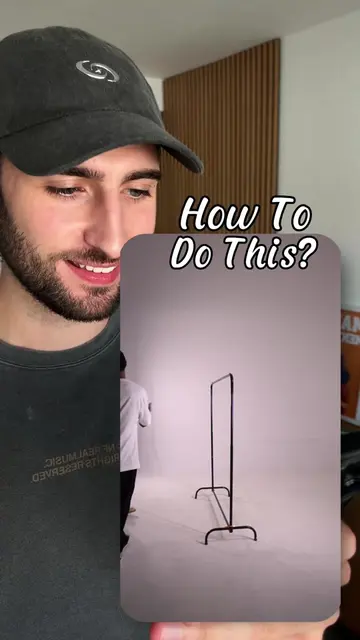
The video demonstrates a creative use of a widely used platform's built-in features, offering a quick and accessible tutorial for users looking to enhance their social media content without external tools.
Summary
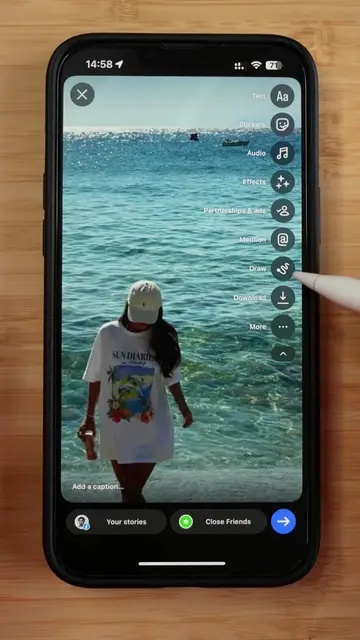
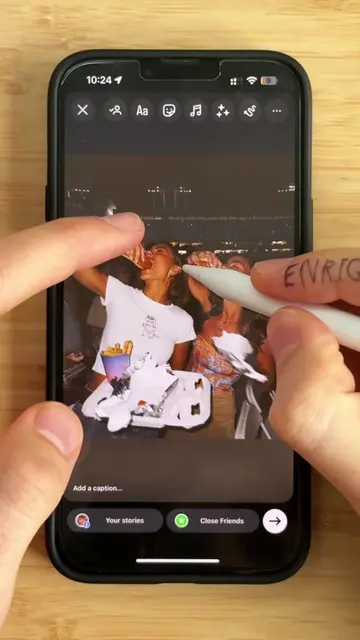
The video demonstrates how to create a visually appealing Instagram story edit using only the Instagram app. It shows the process of adding text and customizing its appearance directly within the app's story editor.
Structure
- 1Open Instagram story editor
- 2Add text overlay
- 3Customize text appearance
- 4Add coffee-related text
- 5Finalize story edit
Product placement
Instagram (app): The video shows the interface of the Instagram app being used to create a story. This is the primary tool used in the video, and its interface is operated to achieve the final result. Removing it would fundamentally change the video. Instagram (app): A watermark-like icon appears in the top left corner, showing the time and battery status. Removing it would not change what happens in the video.
On-screen text
Done
Text
Stickers
Audio
Effects
Partnerships & ads
Mention
Draw
Download
More
Add a caption...
Your stories
Close Friends
Aa
Meme
Elegant
Directional
Literature
Mention
Location
Rewrite
Ich
Und
Ja
Das
Fertig
Editor
Poster
Bubble
Deco
Squeeze
Ich
Das
ABC
Leerzeichen
LIFE BEGINS AFTER
COFFEE
COFFEE LOVE
Original caption
Save this for your next Story 👇🏽 Today I’m building this next-level beach Story edit - directly inside @instagram . No extra apps. Just your phone. 🧡 Design your Story. 🚀 Do you wanna get more inspo? Follow for more! #instagramstory #creativeprocess #storydesign #tutorial
More from @enriquestory
More breakout videos from this creator.