Loading video…
All breakouts
11.2App DemoOther hookCreator Economy
Hook
happy
@enriquestory
4.6M followers · usually 83.5K views a post
Views
900.3K
Likes
8.2K
Comments
24
Shares
219
Why it worked
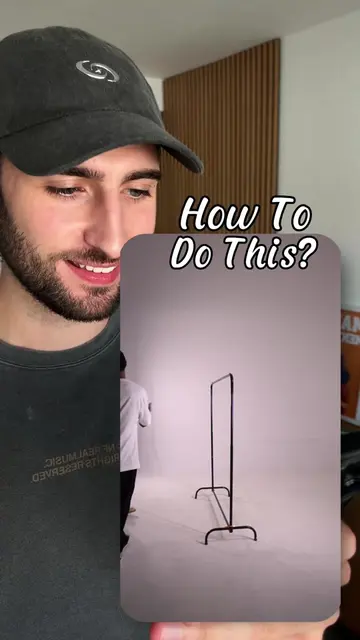
The video effectively showcases a creative use of Instagram's native features, providing a simple yet visually engaging tutorial for users looking to enhance their Stories. The "happy birthday" theme is universally relatable, and the step-by-step demonstration makes it easy to follow.
Summary
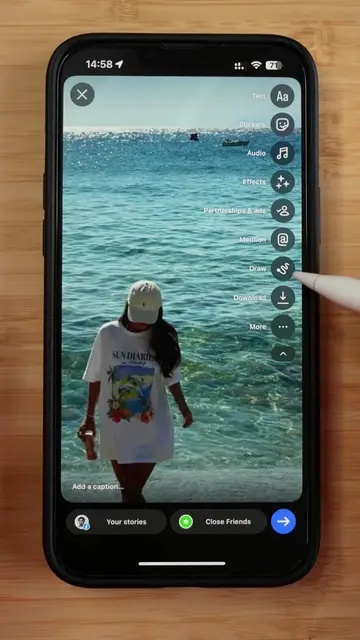
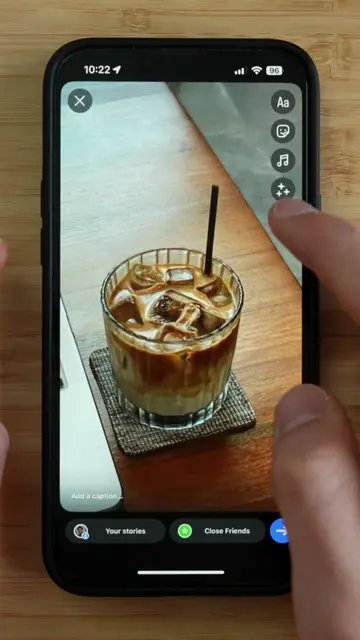
The video demonstrates how to create a "happy birthday" Instagram Story using built-in features. It shows the process of adding text, images, and layering them to create a visually appealing story without external apps.
Structure
- 1Start with a photo and add text "happy"
- 2Add a second photo and text "birthday"
- 3Add a balloon background
- 4Layer the photos and text
- 5Add a final image and share
Product placement
Instagram: it acts as the platform where the video is created and edited. Removing it would change what happens in the video.
Call to action
Follow for more!
On-screen text
10:24
Done
Classic
Signature
Editor
Poster
Bubble
Aa
Mention
Location
Rewrite
Search Emoji
10:25
Done
Tap for more
Add a caption...
Your stories
Close Friends
10:25
Done
happy
birthday
happy
birthday
ENRIQUE
ENRIQUE
ENRIQUE
Original caption
Save this for your next Story 👇🏽 Today I’m building this next-level beach Story edit - directly inside @instagram . No extra apps. Just your phone. 🧡 Design your Story. 🚀 Do you wanna get more inspo? Follow for more! #instagramstory #creativeprocess #storydesign #tutorial
More from @enriquestory
More breakout videos from this creator.