Loading video…
All breakouts

4.9App DemoHow-To hook
Hook
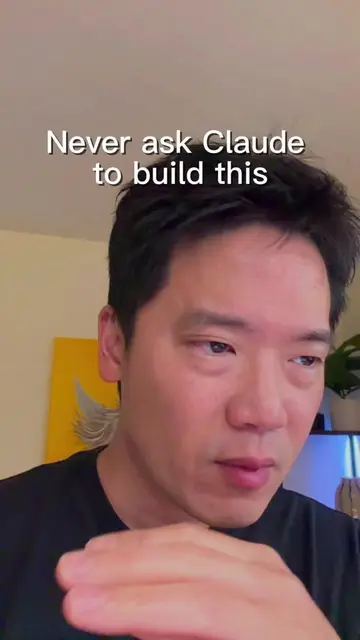
Make scroll animation with Claude
@jwang_ai
9.3K followers · usually 768 views a post
Views
3.8K
Likes
110
Comments
7
Shares
22
Why it worked
The video provides a practical, step-by-step tutorial on creating a visually engaging scroll animation using AI tools, which is a relevant and in-demand skill for web design and marketing. The use of AI for both image and video generation showcases efficiency and innovation, appealing to a tech-savvy audience.
Summary
The creator demonstrates how to create a scroll animation for a product using AI tools. They first find images of the product, then use an AI image generator (Nano Banana 2) to create an exploded view, and finally use an AI video generator (Kling 3.0 on Kie AI) to animate the scroll effect by breaking the video into frames.
Structure
- 1Introduction to creating scroll animations with AI
- 2Finding and generating product images
- 3Using Kie AI for image generation (Nano Banana 2)
- 4Using Kie AI for video generation (Kling 3.0)
- 5Demonstration of the final scroll animation
- 6
Original caption
How to build scroll animation with Claude. #claudecode #scrollanimation #webdesign
More from @jwang_ai
Their other posts in the index, biggest breakout first.