Loading video…
Sound

original sound - umehchinonso01
Nonso | Tech & Design · Original audio
0:00–:––
Playing this video’s own audio, so you’ll hear the creator over the sound.
Hook
Posted Jul 30, 2026Video · 0:35by @umehchinonso01
This video promotes it, but we haven’t matched it to a product page yet, so there are no product figures.
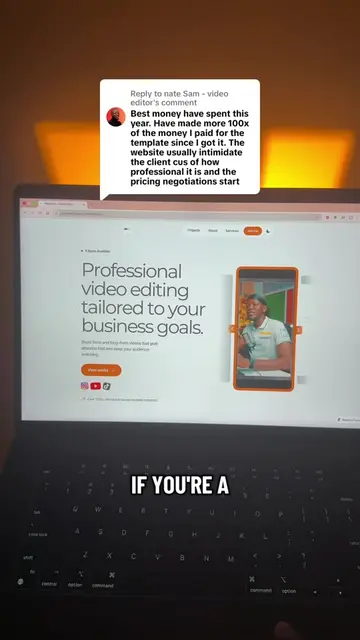
The video provides a practical, step-by-step tutorial on how to achieve a complex visual effect using readily available AI tools, appealing to creators looking to streamline their workflow and enhance their web designs.
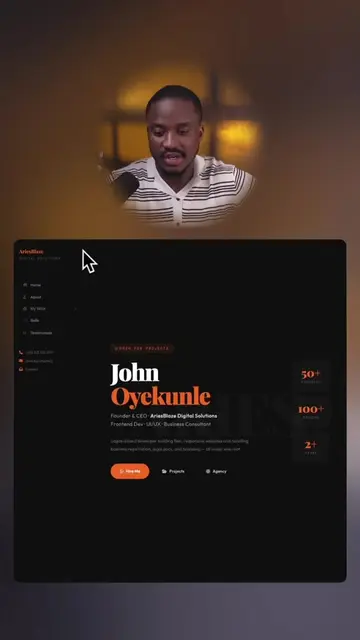
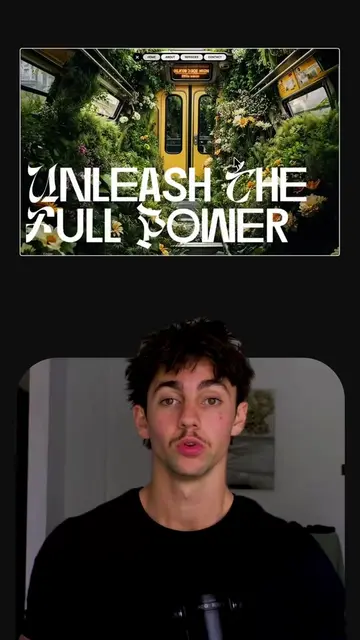
The creator demonstrates how to create complex scroll-triggered web animations using AI tools like Google Flow and ChatGPT. The process involves generating a scene with Google Flow, converting it to a JPEG image sequence, and then using ChatGPT to generate the animation code.
I don’t spend hours figuring out complex web animations anymore, AI does most of the heavy lifting. For Part 2, I turned a simple AI-generated video into this scroll-triggered website animation using an image sequence and @ChatGPT. The full step-by-step tutorial, including the prompt and code, is on my YouTube. Link in bio. #AI #chatgpt #codex #openai #vibecoding
Things I no longer do because AI does them for me
Intro: AI replaces manual animation tasks
Demonstration: Creating a scroll animation with Google Flow
Conversion: Turning video into JPEG sequence
AI Generation: Using ChatGPT for code
Conclusion: Full tutorial available in bio
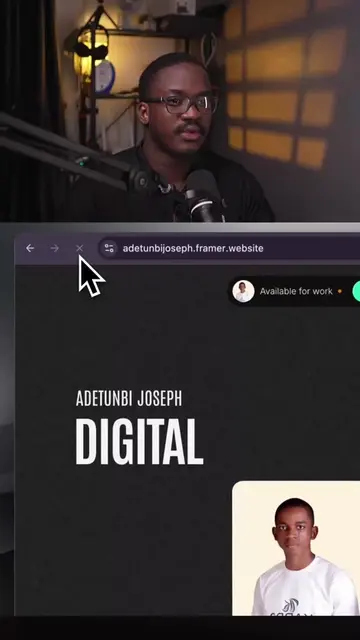
The video shows a screen recording of Google Flow being used to generate a scene, and then demonstrates converting a video to a JPEG sequence using ezgif.com, followed by using ChatGPT to generate code for a scroll-triggered animation.
The full step-by-step tutorial, including the prompt and code, is on my YouTube. Link in bio.
Playing this video’s own audio, so you’ll hear the creator over the sound.
Promotes 7 products. Create free account to see more.
Outliers and viral hits: their videos on Overshot, all time.