Loading video…
All breakouts
46.1App DemoHow-To hookCreator Economy
Hook
How to make this brush!🪸
@tetekastu
19.8K followers · usually 28.2K views a post
Views
1.0M
Likes
161.1K
Comments
487
Shares
10.3K
Promoted product
Ibis Paint X
Why it worked
The video provides a clear, step-by-step tutorial for a visually appealing and unique art effect, making it highly shareable and engaging for aspiring digital artists on platforms like TikTok.
Summary
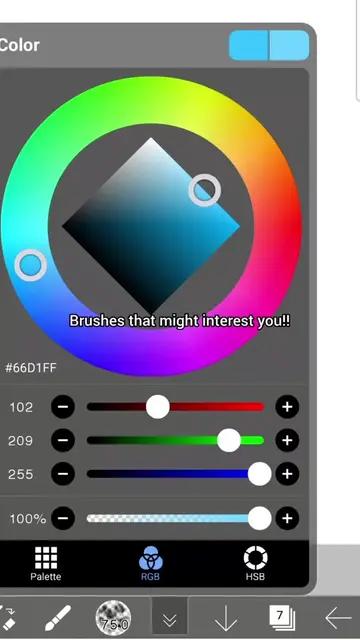
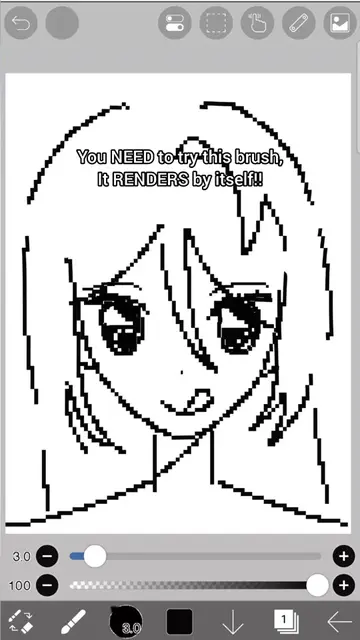
This video demonstrates how to create a unique, colorful brush effect in Ibis Paint X. It guides the viewer through setting a background color, adding lines, applying a lens blur filter, and using the liquify pen and revert eraser tools to achieve the desired artistic outcome.
Structure
- 1Demonstrate the brush effect
- 2Set background color
- 3Add colorful lines
- 4Apply lens blur filter
- 5Use liquify pen and revert eraser
- 6Show final brush strokes
Product placement
Ibis Paint X (app): Used to create digital art. It ACTS, its interface is operated to generate the artwork. Removing it would change what happens in the video.
Liquify Pen (tool within Ibis Paint X): Used to manipulate the artwork. It ACTS, its interface is operated to create the visual effect. Removing it would change what happens in the video.
Special tool (tool within Ibis Paint X): Used to create the brush effect. It ACTS, its interface is operated to create the visual effect. Removing it would change what happens in the video.
Eraser "revert" (tool within Ibis Paint X): Used to refine the artwork. It ACTS, its interface is operated to modify the visual effect. Removing it would change what happens in the video.
Original caption
How to make this cool brush!🪸 #tutorial #ibispaintx #artist #art #fyp
More from @tetekastu
More breakout videos from this creator.