Loading video…
All breakouts
7.7App DemoOther hookCreator Economy
Hook
Brush (395)
@tetekastu
19.8K followers · usually 28.2K views a post
Views
147.3K
Likes
12.4K
Comments
115
Shares
857
Promoted product
Ibis Paint X
Why it worked
The video effectively showcases a unique brush feature within a popular art app, appealing to digital artists looking for new tools and techniques. The clear demonstration and the intriguing "renders by itself" claim likely drove engagement.
Summary
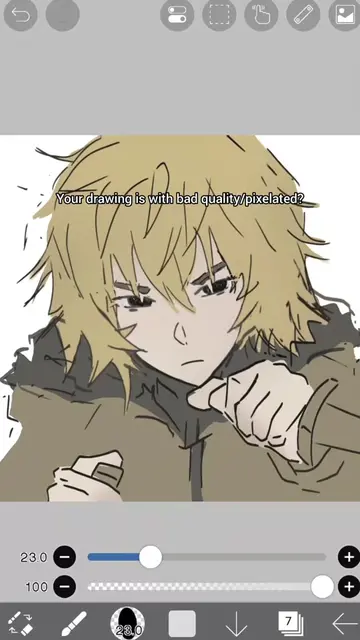
The video demonstrates the use of a "Pixel (no gaps)" brush within the Ibis Paint X app. It shows how to adjust brush settings like thickness, opacity, color mix, and wetness to create a pixel art style drawing of an anime character.
Structure
- 1Opening brush menu
- 2Searching for and selecting a pixel brush
- 3Adjusting brush settings
- 4Demonstrating brush strokes and color application
- 5Showing the final pixel art drawing
Product placement
Ibis Paint X (ACTS - the app interface is operated to demonstrate brush settings and drawing; removing it would change what happens in the video)
On-screen text
Brush (395)
Basic
Dip Pen (Soft)
Dip Pen (Hard)
Dip Pen (Bleed)
Felt Tip Pen (Soft)
Felt Tip Pen (Hard)
Pen (Fade)
Thickness
Opacity
100%
Search Brush
Custom > Pixel (no gaps)
You NEED to try this brush,
It RENDERS by itself!!
Basic
Shape
Jitter
Type
Dynamic
Settings
Anti-aliasing
Undo Reset
Brush Type
Mono
Watercolor
Double
Separate Each Stroke
Texture Pattern
Off
Opacity
Lower Limit
Absolute Texture Size
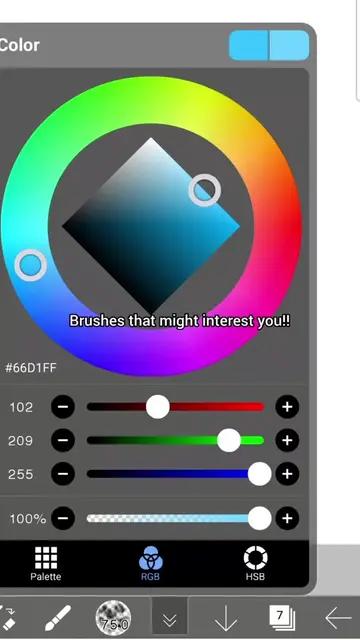
Color
#060606
6
6
6
100%
Palette
RGB
HSB
#FFCAD9
255
202
217
100%
Palette
RGB
HSB
#EBA3B8
235
163
184
100%
Palette
RGB
HSB
Layer 1
Original caption
U NEED THIS🌸 #ibispaintx #tutorial #digitalart #artist #viral
More from @tetekastu
More breakout videos from this creator.