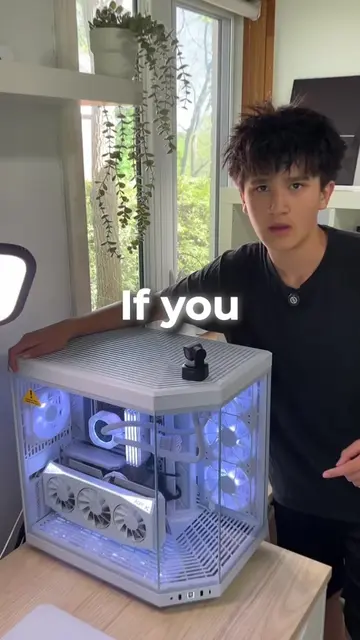
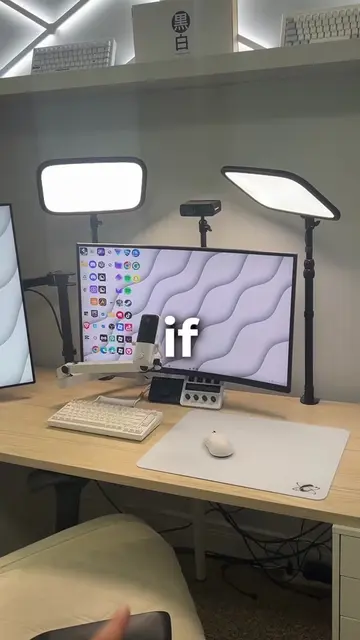
Loading video…
All breakouts
4.2Talking HeadProblem Callout hookGames
Hook
If YOUR PC Has Been Lagging Or Stuttering
@frsilentt
121.8K followers · usually 26.3K views a post
Views
93.9K
Likes
3.0K
Comments
92
Shares
396
Promoted product
—
Why it worked
The video provides a quick and actionable solution to a common problem faced by PC users, especially gamers. The clear, step-by-step instructions and the promise of improved performance make it highly shareable and useful.
Summary
This video explains how to fix a lagging or stuttering PC by adjusting the priority of a specific game or application in the Task Manager. By setting the priority to high, the system will allocate more resources to the chosen application, leading to improved performance and increased frames per second.
Structure
- 1Introduce the problem of a lagging PC
- 2Explain the cause: wrong app prioritization
- 3Instruct to open Task Manager
- 4Guide to the Details tab and finding the game/app
- 5Instruct to set priority to high
- 6Explain the benefit: increased frames and overall performance
Call to action
follow for more useful tips
On-screen text
if
your
PC
lagging
or
stuttering
because
prioritizing
the
wrong
app
here's
fix
it
save
this
try it
start
control + shift + escape
your
manager
then
details
and
favorite
game
then
click
change priority
RAM
prioritize
game/app
overall
increase
your
frames
follow
for more
useful
tips
Original caption
If YOUR PC Has Been Lagging Or Stuttering then here’s how to fix it! #Tech #pc #computer #tipsandtricks #pctips
More from @frsilentt
More breakout videos from this creator.