Loading video…
All breakouts
16.7Talking HeadDirect Question hookGames
Hook
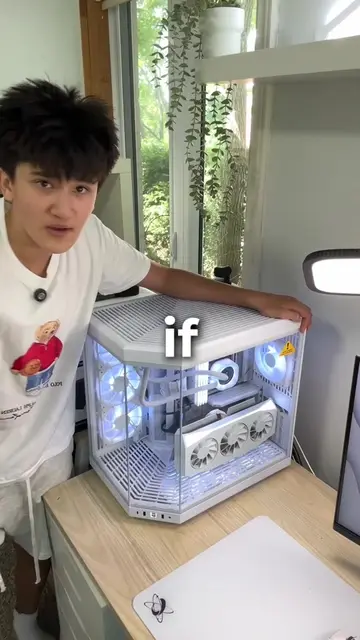
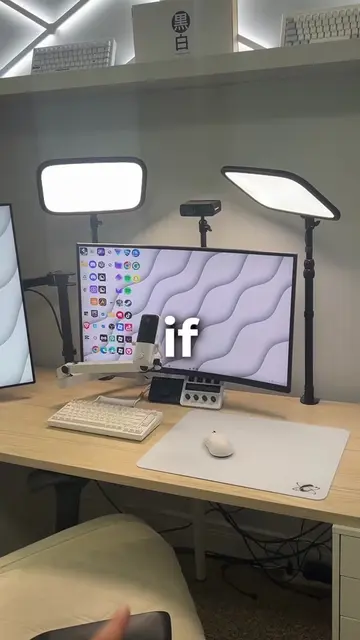
If you own
@frsilentt
121.8K followers · usually 26.3K views a post
Views
523.1K
Likes
32.7K
Comments
531
Shares
3.1K
Promoted product
—
Why it worked
The video addresses a common pain point for PC and laptop users: performance degradation. By offering a clear, actionable solution with visual demonstrations and a direct explanation of the problem, it provides immediate value and encourages engagement through saving and following.
Summary
This video explains how to fix a slow PC or laptop by ensuring it fully shuts down instead of going into sleep mode. It guides viewers through Windows settings to disable fast startup, which is presented as the cause of components degrading over time.
Structure
- 1Introduction to PC performance issues
- 2Identifying the problem: PCs not fully shutting down
- 3Demonstrating how to access Task Manager and check uptime
- 4Explaining the 'fast startup' issue and its negative effects
- 5Providing a step-by-step solution to disable fast startup
- 6Concluding with the benefits of a full shutdown and a call to follow
Product placement
The video discusses Windows operating system settings and features like Task Manager and Power Options. No specific third-party software or hardware is promoted.
Original caption
How to Fix Your PC/Laptop From Slowing Dying! #Tech #pc #gaming #pctips #pctipsandtricks
More from @frsilentt
More breakout videos from this creator.