Loading video…
Sound

original sound - frsilentt
Silent · Original audio
0:00–:––
Playing this video’s own audio, so you’ll hear the creator over the sound.
The video addresses a common pain point for PC users (lagging performance due to potential malware) and provides a clear, actionable solution using a built-in, free tool. The "save for later" and "follow for more" CTAs encourage engagement and retention.
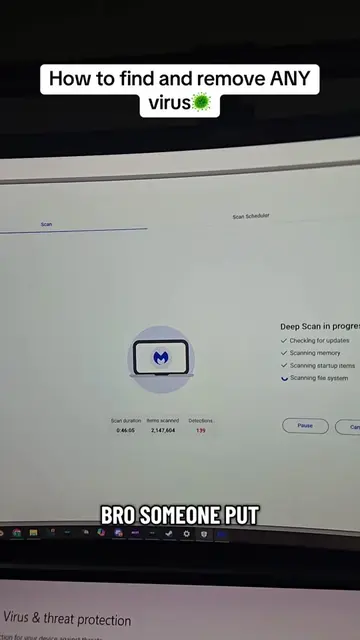
This video demonstrates how to use the Microsoft Windows Malicious Software Removal Tool to scan for and remove viruses or malware from a PC or laptop, which can help improve performance. The creator encourages viewers to save the video for later use and follow for more tips.
If Your PC Has A Virus Fix It By Doing These tips! This also helps boost performance while playing! #Tech #pc #tipsandtricks #pctipsandtricks #computervirus
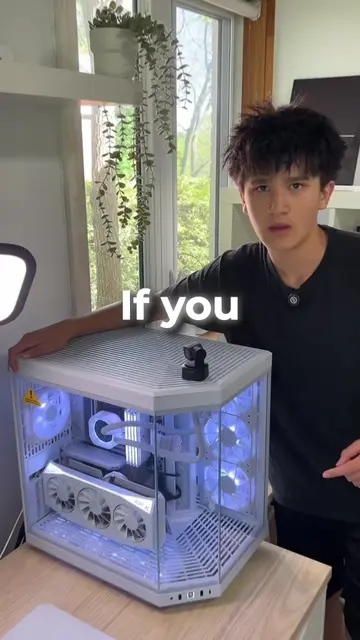
If your PC or laptop
Introduce the problem of lagging PCs/laptops
Explain how to access the Windows Malicious Software Removal Tool (MRT)
Guide through the scanning and removal process
Confirm the fix and encourage follow-up
The video shows how to use the Microsoft Windows Malicious Software Removal Tool (MRT) by searching for it in Windows and running a scan.
save this video so you can try it out later. follow for more tips.
Playing this video’s own audio, so you’ll hear the creator over the sound.
Discusses the release of the Malicious Software Removal Tool (MSRT) to help remove specific prevalent malicious software from Windows-based computers.
All time.
Promotes 5 products. Create free account to see more.
Outliers and viral hits: their videos on Overshot, all time.