Loading video…
Sound

original sound - amir_mindset5
AMIR_RAجPUT🔥 · Original audio
0:00–:––
Playing this video’s own audio, so you’ll hear the creator over the sound.
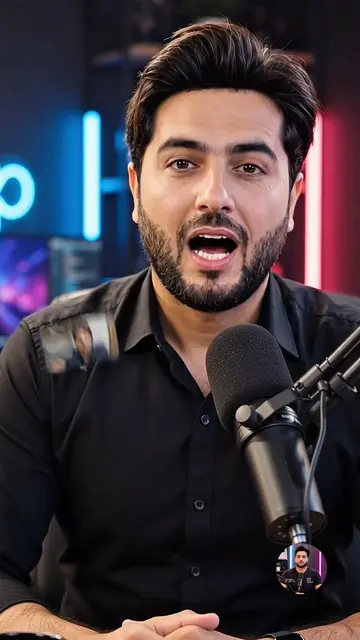
The video provides a clear, step-by-step tutorial on a popular video editing technique (background blur and enhancement) using a widely used app (CapCut). The creator also subtly promotes their services for obtaining CapCut Pro and other related offerings, creating a dual value proposition for viewers.
This video demonstrates how to edit a video to blur the background and enhance the overall quality using CapCut. The tutorial covers applying filters, adjusting colors and brightness, and using background removal features to achieve a professional look. It also mentions the availability of CapCut Pro and other services for those interested.
Video Complete Dekho gye to Samjh ayi gi💯👍#viral #fullhrdcolourgradingtatorial #amireditor #foryou
Real Editing
Introduction and user request
Applying TikTok effects
Editing in CapCut: Retouching and filters
Adjusting video settings
Adding background blur using overlay and background removal
Exporting and final result
CapCut: ACTS - it is used to edit a video, applying filters, adjustments, and background removal. Removing it would change what happens in the video. TikTok: APPEARS - it is mentioned as a platform where the video can be shared. Removing it would not change what happens in the video.
COME INBOX.
Playing this video’s own audio, so you’ll hear the creator over the sound.
Promotes 1 product. Create free account to see more.
Outliers and viral hits: their videos on Overshot, all time.
Video editing app for creators making social media videos
Views and creators: posted in the last 30 days (English videos). Videos: all time.