Loading video…
Sound

original sound - adamstewartmarketing
Adam Stewart | AI & Marketing · Original audio
0:00–:––
Playing this video’s own audio, so you’ll hear the creator over the sound.
This video promotes it, but we haven’t matched it to a product page yet, so there are no product figures.
The video showcases a powerful AI tool that simplifies a complex task (video editing) with a single prompt, appealing to creators looking for efficiency. The creator also offers to share their prompts, creating an incentive for engagement and lead generation.
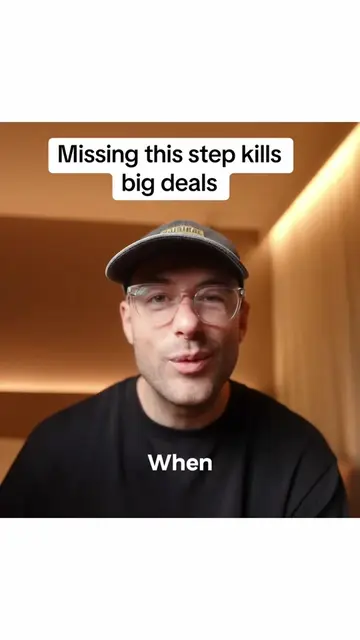
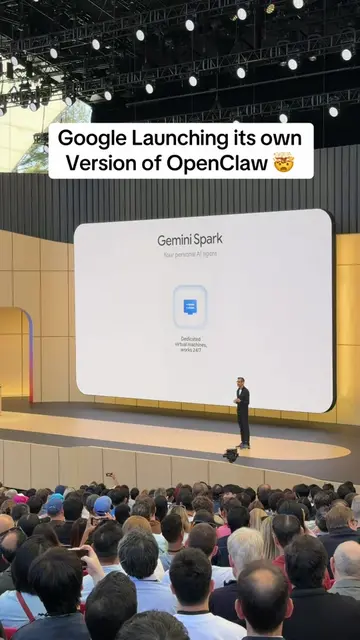
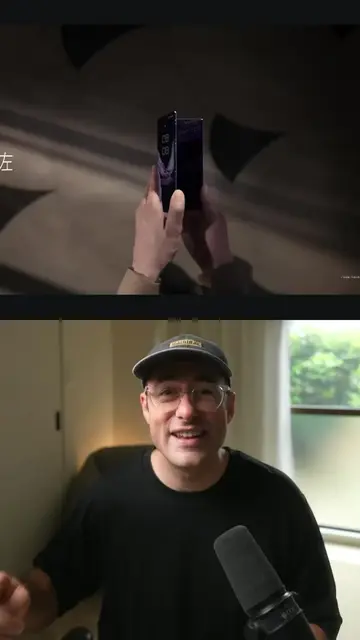
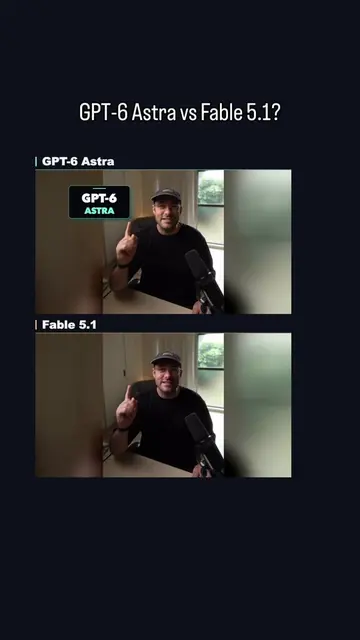
This video demonstrates how to use Gemini Omni to edit raw video footage with a single text prompt. The AI tool automatically adds captions, motion graphics, and effects, and allows for further revisions through text commands.
Here’s how to edit your videos with Google’s Gemini Omni. #gemini #omni #googleomniflash #google
Edit Your Videos with Gemini Omni 👑
Introduce Gemini Omni for video editing
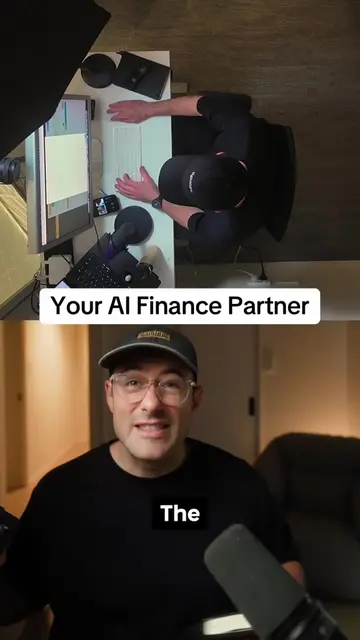
Show raw footage and prompt input
Demonstrate AI-generated edits (captions, graphics, effects)
Show how to request further edits via prompt
Offer to share prompts with viewers
Gemini Omni ACTS - it edits videos based on prompts. Removing it would change the video's outcome. Gemini ACTS - it generates video edits based on prompts. Removing it would change the video's outcome. Google ACTS - it is the company behind Gemini Omni. Removing it would change the video's outcome. Flash-Lite ACTS - it is a feature or mode within Gemini Omni. Removing it would change the video's outcome. Shure ACTS - it is the brand of the microphone visible in the video. Removing it would not change the video's outcome, as it is incidental scenery.
If you want my exact prompts, comment "SEND IT" on Omni and I'll send it across.
Playing this video’s own audio, so you’ll hear the creator over the sound.
Promotes 16 products. Create free account to see more.
Outliers and viral hits: their videos on Overshot, all time.