Loading video…
All breakouts
7.2Text-HeavyListicle hookAI Tools
Hook
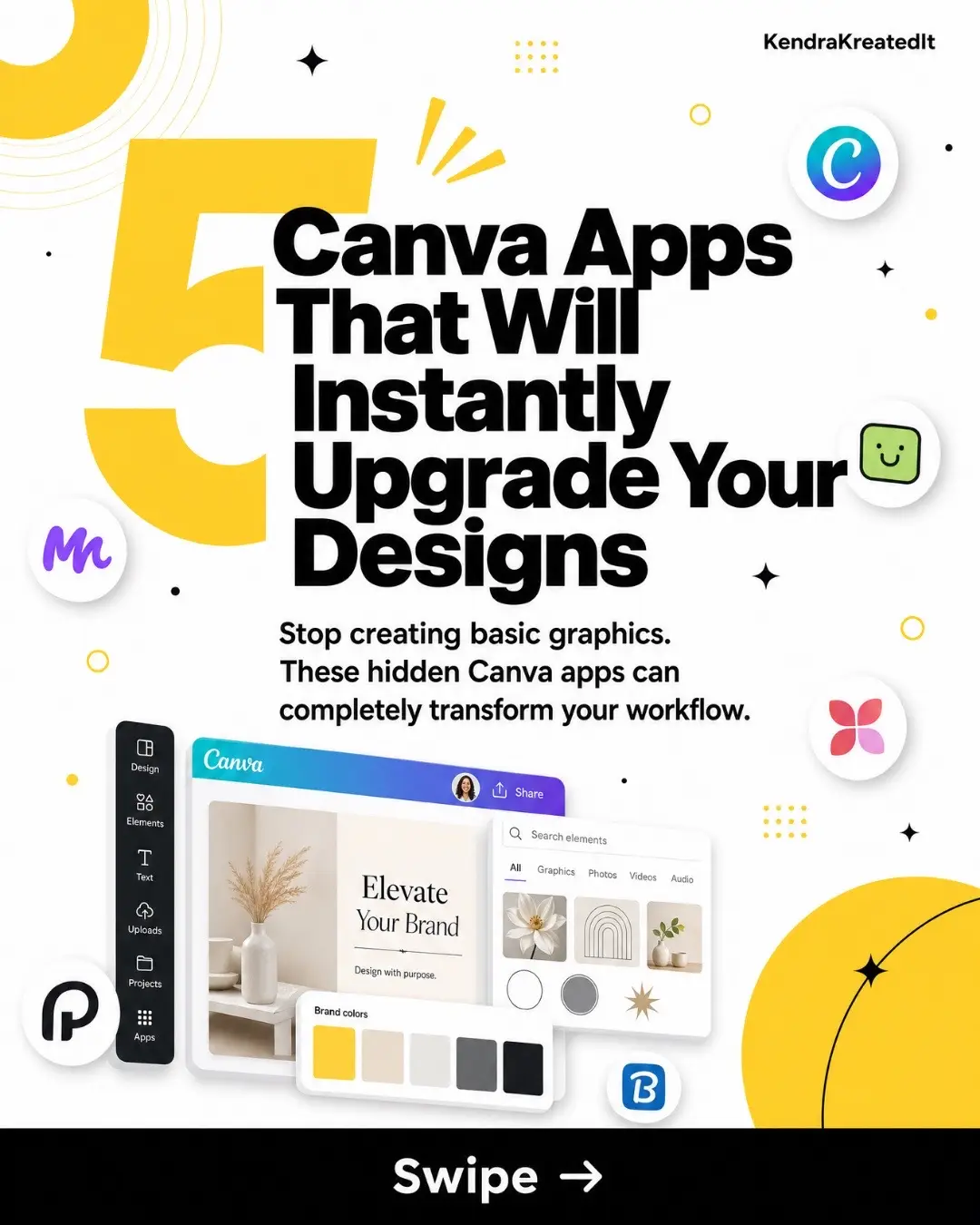
5 Canva Apps That Will Instantly Upgrade Your Designs
@kenkreatedit
22.1K followers · usually 941 views a post
Views
6.8K
Likes
434
Comments
15
Shares
81
Promoted product
Canva Appshttps://media-madness1.my.canva.site ↗
Why it worked
The carousel provides valuable, actionable tips and showcases specific tools within Canva that can significantly improve design quality and efficiency. It appeals to a broad audience of creators and designers looking to enhance their skills and workflow.
Summary
This carousel showcases five Canva apps that can enhance design workflows and elevate graphic creation. It details each app's function and best use cases, followed by additional app suggestions and pro design tips.
Structure
- 1Introduction to 5 Canva apps that upgrade designs
- 2Detailed explanation of Magic Morph, TypeCraft, Mockups, Image Blender, and Draw apps
- 3Showcase of additional useful Canva apps
- 4Pro designer tips for better graphics
- 5Call to save the carousel and follow for more tips
Product placement
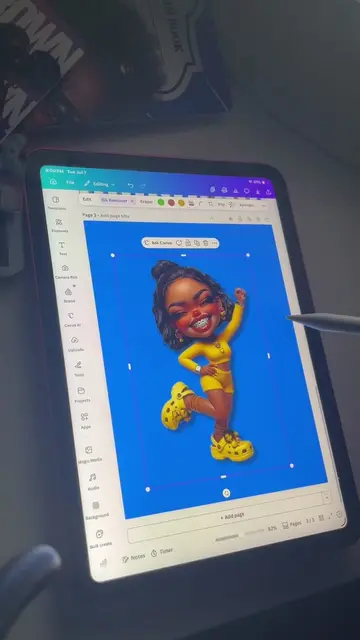
The video promotes Canva and its various integrated apps like Magic Morph, TypeCraft, Mockups, Image Blender, Draw, Background Remover, Bulk Create, SmartMockups, Magic Grab, Magic Expand, and Magic Eraser.
Original caption
Stop making basic graphics. These 5 powerful Canva apps are hiding in plain sight — and they will completely transform the way you design. Whether you're creating invitations, digital products, social media posts, or branding assets, these tools will save you hours and make everything look more professional. ✨ Inside this carousel: → Magic Morph — transform shapes into polished graphics in one click → TypeCraft — wrap text around objects & create curved lettering → Mockups — place your designs on phones, mugs, shirts & more → Image Blender — merge photos into stunning artistic backgrounds → Draw — add handwritten accents, arrows & doodles inside Canva BONUS: 6 more Canva apps worth bookmarking + 5 pro designer tips you need to know. Save this pin so you never forget these tools! 📌
More from @kenkreatedit
More breakout videos from this creator.