Loading video…
All breakouts
3.8App DemoContrarian hookConsumer Apps
Hook
Stop Apple Ads
@gooditech_pro
5.1K followers · usually 5.2K views a post
Views
11.2K
Likes
160
Comments
2
Shares
22
Promoted product
Apple
Why it worked
The video addresses a common user concern about data privacy and targeted advertising, offering a simple, actionable solution within a familiar interface. The "native mention" approach, where the product (Apple's settings) is the subject and the solution, makes it highly relevant and shareable.
Summary
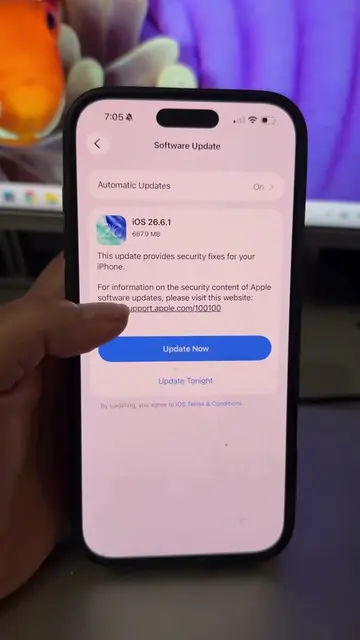
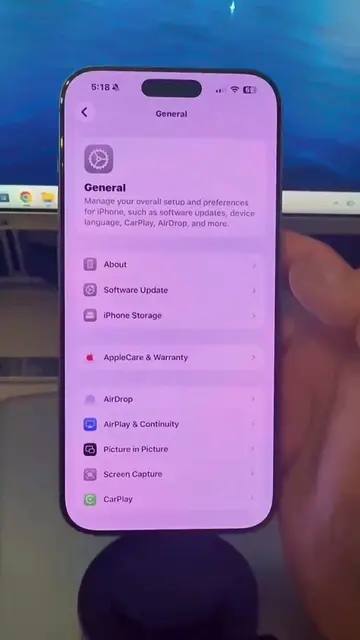
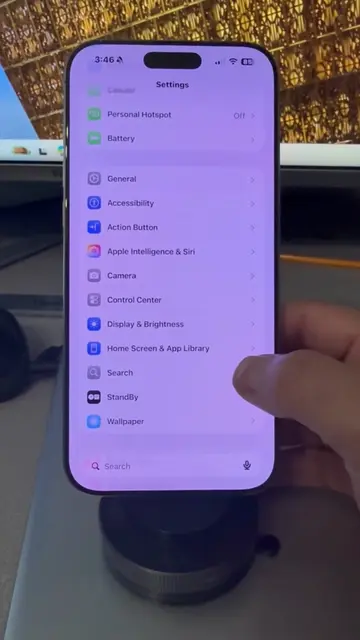
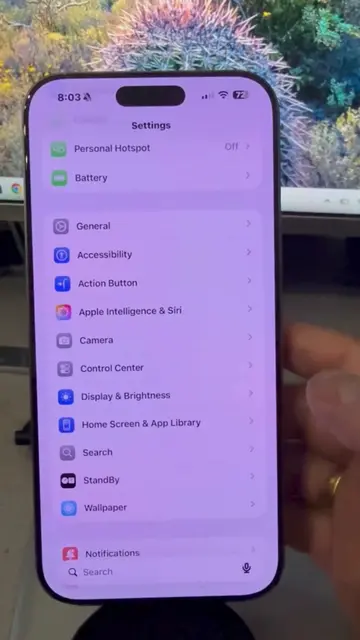
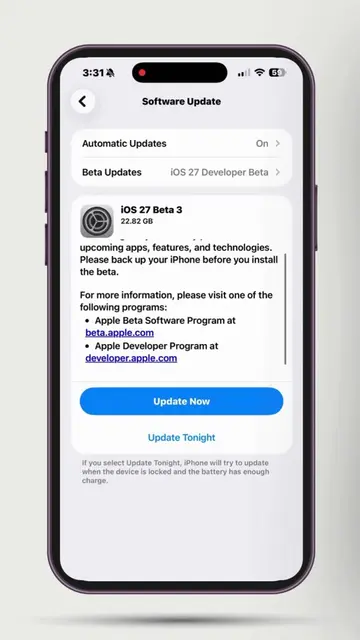
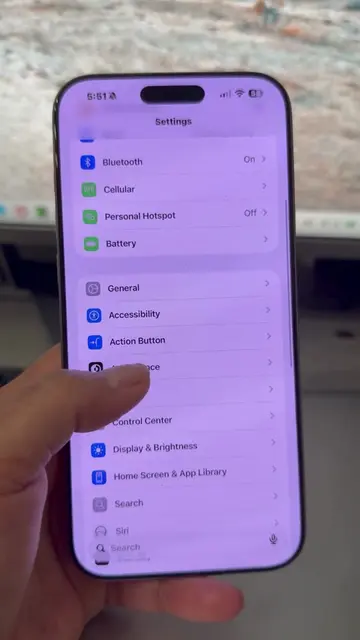
This video demonstrates how to disable personalized ads on iPhones by navigating through the device's settings. It guides users to the 'Apple Advertising' section within 'Privacy & Security' to toggle off the 'Personalized Ads' feature.
Structure
- 1Show Apple ad settings screen
- 2Explain how to stop Apple ads
- 3Navigate to Settings > Privacy & Security
- 4Select Apple Advertising
- 5Turn off Personalized Ads
- 6Encourage following for more tips
Product placement
Apple: ACTS - it is the operating system whose settings are being manipulated to control ad personalization. Removing it would change what happens in the video. Apple: APPEARS - it is the brand of the phone being used. Removing it would not change what happens in the video.
Original caption
Stop Apple from tracking your interests. This simple settings tweak limits the data used to serve you ads. Check your settings today! #DataPrivacy #iOS #SmartPhoneTips #Apple #iPhone
More from @gooditech_pro
More breakout videos from this creator.