Loading video…
Sound

original sound - mscheife
mscheife · Original audio
0:00–:––
Playing this video’s own audio, so you’ll hear the creator over the sound.
- Videos using it
- 2
- Creators
- 2
- Views on those videos
- 528.0K
We didn’t find a product being promoted in this video. Its hook, format and structure below still show why it took off.
Browse products winning on TikTokThe video highlights a useful, built-in privacy feature of a popular operating system, appealing to a broad audience interested in tech tips and phone security.
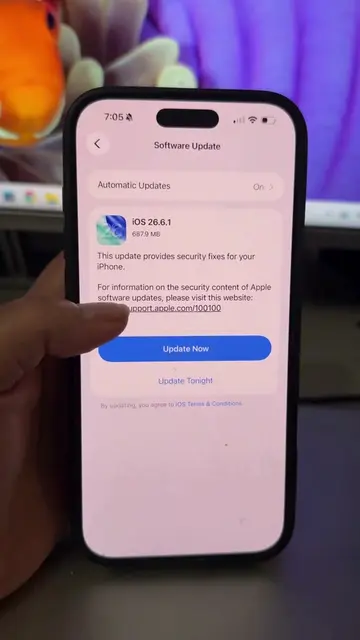
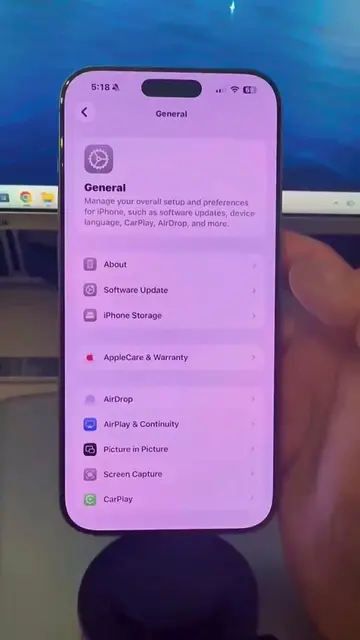
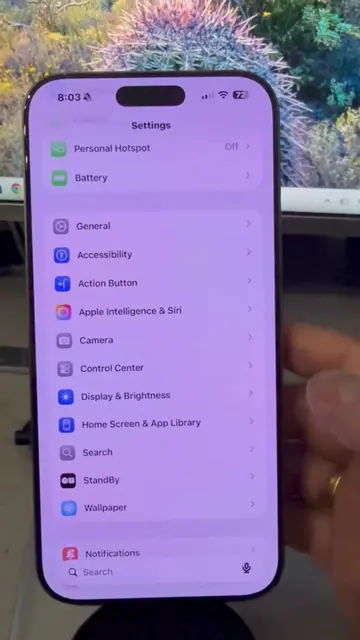
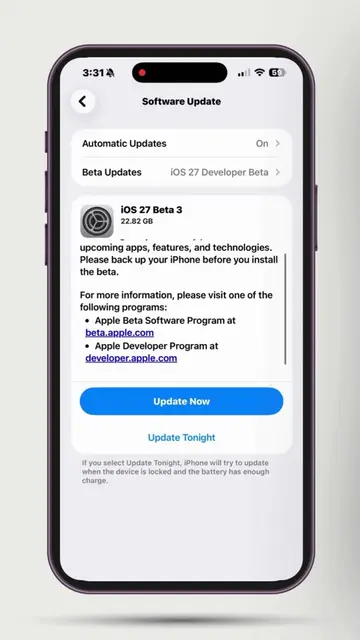
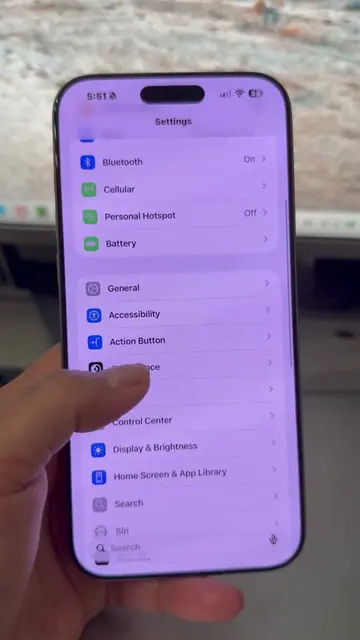
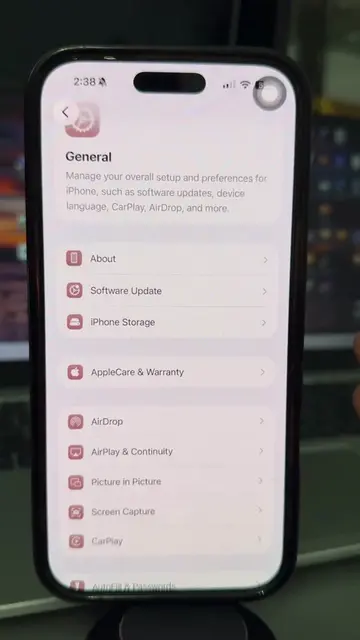
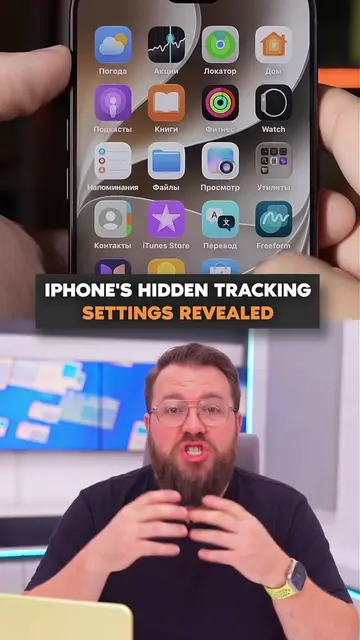
This video demonstrates how to enable the Sensitive Content Warning feature in iOS 26 on an iPhone. It shows users navigating through the settings to find and activate this privacy feature, which blurs sensitive content before it is viewed.
Turn this iPhone Privacy Settings ON 🔐. iOS 26 has a hidden privacy feature that automatically blurs sensitive photos before you see them. #Apple #ios26 #iphone #privacy #AppleTips
Settings
Open Settings
Navigate to Privacy & Security
Select Sensitive Content Warning
Toggle the feature on
Show App and Service Access options
Apple: ACTS - it is the operating system and device manufacturer. Removing it would change what happens in the video. iOS 26: ACTS - it is the operating system version. Removing it would change what happens in the video. iPhone: ACTS - it is the device on which the operating system runs. Removing it would change what happens in the video. AirDrop: ACTS - it is an app/service that can be turned on or off. Removing it would change what happens in the video. Contacts: ACTS - it is an app/service that can be turned on or off. Removing it would change what happens in the video. FaceTime: ACTS - it is an app/service that can be turned on or off. Removing it would change what happens in the video. Messages: ACTS - it is an app/service that can be turned on or off. Removing it would change what happens in the video. Shared Albums: ACTS - it is an app/service that can be turned on or off. Removing it would change what happens in the video.
Playing this video’s own audio, so you’ll hear the creator over the sound.
Promotes 2 products. Create free account to see more.
Outliers and viral hits: their videos on Overshot, all time.