Loading video…
All breakouts
7.2App DemoWarning hookConsumer Apps
Hook
Every email you open is being tracked secretly.
@gooditech_pro
5.1K followers · usually 5.2K views a post
Views
21.6K
Likes
228
Comments
6
Shares
145
Promoted product
Mail Privacy Protection
Why it worked
The video addresses a common privacy concern for iPhone users by providing a clear, actionable solution. The "native mention" promotion of a built-in iOS feature, combined with a direct call to action, likely resonated with users seeking to enhance their digital privacy.
Summary
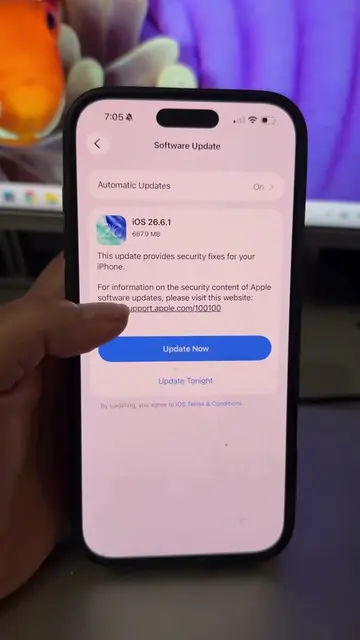
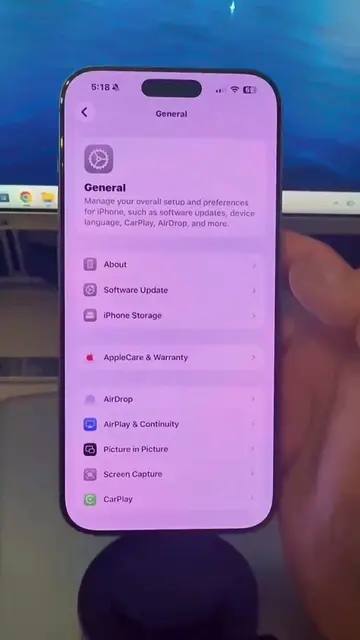
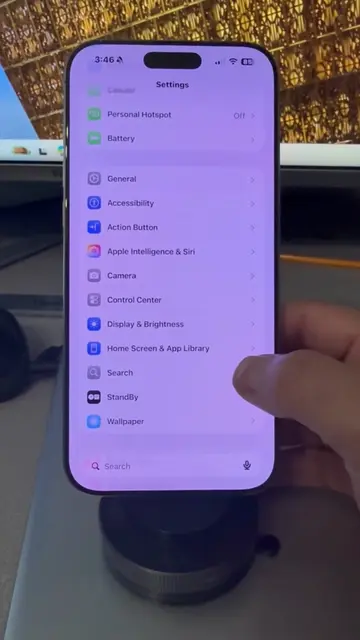
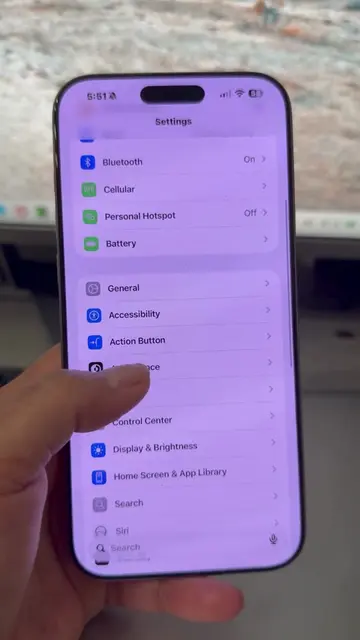
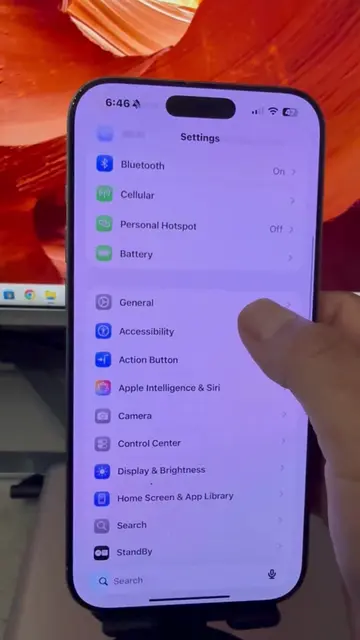
This video demonstrates how to enable Mail Privacy Protection on an iPhone to prevent email trackers from accessing your IP address and location. The tutorial guides users through the iPhone settings to activate this privacy feature.
Structure
- 1Introduction to email tracking
- 2Navigate to iPhone Settings
- 3Access Mail app settings
- 4Enable Privacy Protection
- 5Explain the benefits of the feature
- 6Call to action to follow for more tips
Product placement
iPhone: ACTS - it is the device on which the tutorial is performed. Removing it would change what happens in the video.
Mail Privacy Protection: ACTS - it is a feature within the iPhone's settings that is being demonstrated and enabled. Removing it would change what happens in the video.
Original caption
iOS 26-Stop trackers from seeing your location through your emails! Here is how to hide your IP address on iPhone using Mail Privacy Protection. Have you checked this setting yet? #TikTokCreatorSearchInsightsIncentive #Apple #iphonetipsandtricks #iphoneprivacysettings #iphonesecurity
More from @gooditech_pro
More breakout videos from this creator.