Loading video…
All breakouts
9.6Talking HeadHow-To hookGames
Hook
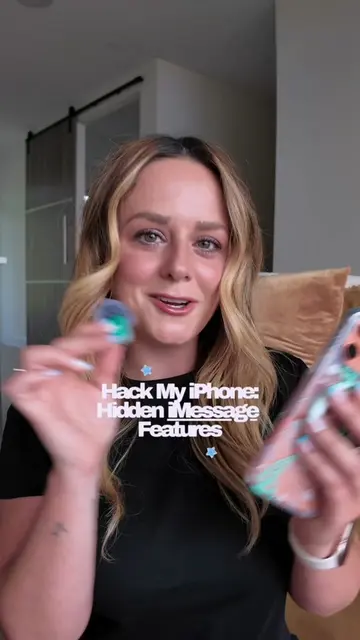
Hack My iPhone: iMessage Features + Shortcuts
@livcharetteisagamer
179.7K followers · usually 52.4K views a post
Views
418.1K
Likes
41.2K
Comments
257
Shares
2.4K
Promoted product
iPhone
Why it worked
The video provides practical, time-saving tips for a widely used application (iMessage) on a popular device (iPhone). The clear, concise demonstration of useful shortcuts makes the content highly shareable and valuable to a broad audience.
Summary
The creator demonstrates three iPhone iMessage features and shortcuts to save time. These include setting up text replacements for email addresses and a shortcut for sending photos/videos by holding down the plus button instead of navigating through menus.
Structure
- 1Introduction to iMessage hacks
- 2Text replacement shortcut for email
- 3Shortcut for sending photos/videos
- 4Call to action and engagement
Product placement
iPhone (Apple) (ACTS - the device interface is operated to demonstrate features, removing it would change what happens in the video)
iMessage (Apple) (ACTS - the app interface is operated to demonstrate features, removing it would change what happens in the video)
DJI Mic (APPEARS - a corner watermark, removing it would not change what happens in the video)
Call to action
Follow along for more
On-screen text
Hack My iPhone:
iMessage Features
+ Shortcuts
Original caption
3 iMessage features that will save you time when texting on your iPhone!📱 Once you try out these shortcuts, you won’t ever go back! I gotta know: are you team blue bubble or green bubble? 🩵💚 #hackmyiphone #iphonehacks #iphonetips #iphone17promax #cozygaming @apple
More from @livcharetteisagamer
More breakout videos from this creator.