Loading video…
All breakouts
4.8Talking HeadHow-To hookGames
Hook
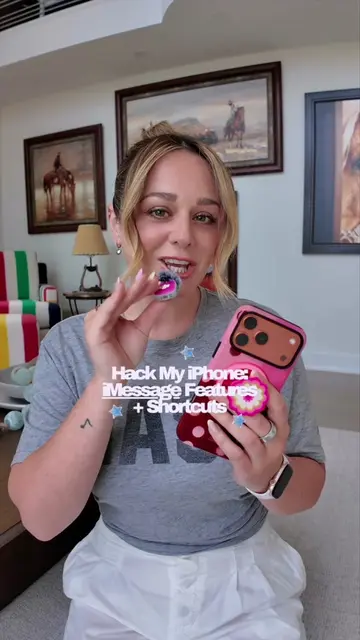
Hack My iPhone: Hidden iMessage Features
@livcharetteisagamer
179.7K followers · usually 52.4K views a post
Views
246.2K
Likes
11.8K
Comments
71
Shares
772
Promoted product
iPhone
Why it worked
The video provides practical, easy-to-implement tips for a widely used application (iMessage) on a popular device (iPhone), making it highly shareable and useful for a broad audience.
Summary
The video demonstrates three hidden iMessage features on an iPhone to make texting easier and more fun. It shows how to precisely edit text by dragging the spacebar, apply text effects to emphasize words, and use a three-finger gesture to undo or redo typing.
Structure
- 1Introduction to hidden iMessage features
- 2Demonstration of precise text editing with spacebar drag
- 3Showcasing text effects for emphasis
- 4Explaining the three-finger undo/redo gesture
- 5Call to action for comments and questions
Product placement
Apple (appears as a watermark on the phone, and is mentioned as the manufacturer of the iPhone. Removing it would not change what happens in the video.)
iPhone (acts - the video demonstrates features of the iPhone. Removing it would change what happens in the video.)
Call to action
Follow for more iPhone tips and tricks.
Original caption
These 3 hidden iMessage features make texting on iPhone so much easier (and fun!) 📱🩵 #hackmyiphone #iphonetips #iphone17promax #iphonehacks #cozygaming @apple
More from @livcharetteisagamer
More breakout videos from this creator.