Loading video…
Sound

original sound - yucaryote
yucaryote · Original audio
0:00–:––
Playing this video’s own audio, so you’ll hear the creator over the sound.
Hook
Posted Jul 7, 2026Video · 2:14by @yucaryote
The video provides practical tips and a relatable "how-to" for students using iPads for note-taking, addressing common questions about accessories and apps. The creator's personal experience and troubleshooting advice add value and encourage engagement.
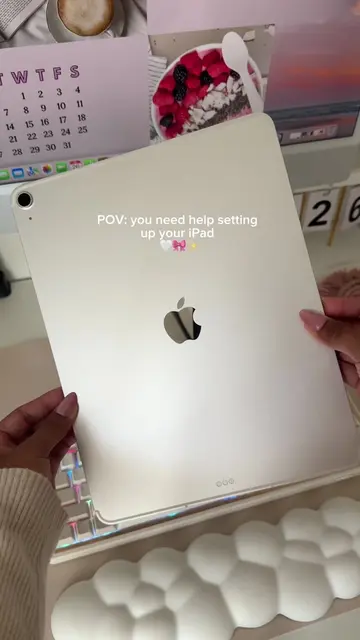
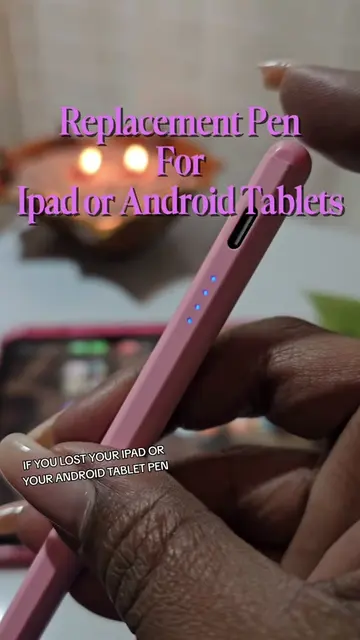
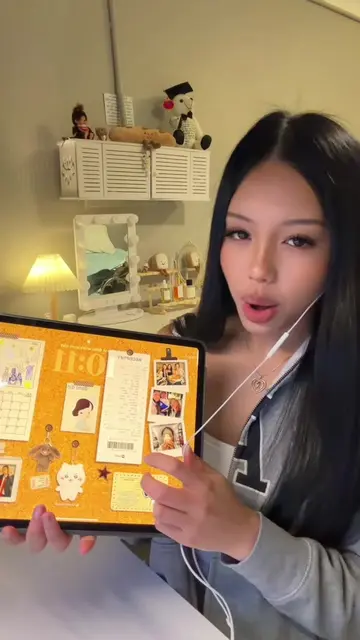
The creator shares their setup for taking notes and drawing on an iPad, featuring an Apple Pencil and the Notes Plus app. They demonstrate how the pen writes and discuss the paper-like screen protector, offering tips and a brief mention of a potential issue with the pen's nib when the battery is low.
last year around september ko pa toh ginagamit btw! also, be careful na lang siguro if mej fragile ung screen protector mo tapos itong nib gagamitin mo :> i hope this helps! #college #student #ComfortMemories
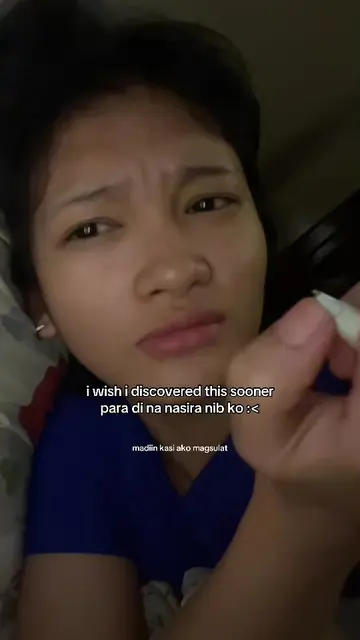
i bought this bc sobrang diin ko magsuliat and napudpod na ung original nib ng pen ko HAHA
Introduction and reason for purchase
Demonstration of iPad and Apple Pencil usage
Explanation of the paper-like screen protector
Discussion of the Apple Pencil nib and its compatibility
Demonstration of writing/drawing in Notes Plus
Troubleshooting a pen issue and concluding remarks
Apple iPad 10th gen: ACTS - it is used to take notes and draw. Removing it would change the video. Apple Pencil: ACTS - it is used to write and draw on the iPad. Removing it would change the video. Notes Plus: ACTS - it is the app used for writing and drawing. Removing it would change the video.
I'm gonna link it down na lang
Playing this video’s own audio, so you’ll hear the creator over the sound.
Promotes 3 products. Create free account to see more.
Outliers and viral hits: their videos on Overshot, all time.
Note-taking and drawing app for iPad users
All time.