Loading video…
Sound

original sound - tatechtips
TA Tech Tips · Original audio
0:00–:––
Hook
Posted Jul 6, 2026Video · 0:40by @tatechtips
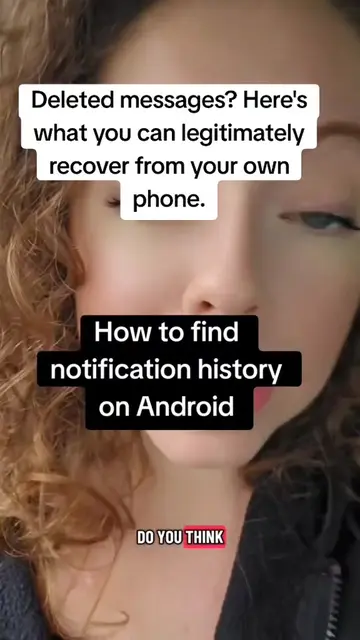
The video addresses a common user pain point (deleted messages) with a practical, easy-to-follow solution that is built into the device's operating system. The clear demonstration and the 'aha!' moment of recovering a deleted message likely drove engagement.
This video demonstrates how to view deleted messages on Android phones by enabling the 'Notification History' setting. The creator shows the process of navigating through the phone's settings to access this feature, highlighting its usefulness for recovering lost messages.
Read DELETED Messages. For those new to Android, or if not, notification history is a setting you have to turn on! #Tech #TechTips #techtok
Here's a reminder to Samsung users and MANY Android users
Introduce the problem of deleted messages
Show a deleted message on WhatsApp
Explain how to find deleted messages in settings
Navigate to Notification History
Show the recovered deleted message
Explain the requirement to have the feature enabled beforehand
WhatsApp (app for sending messages) - appears on screen and is used to send a message. Removing it would change the video. Samsung (phone brand) - the phone itself is used to demonstrate a feature. Removing it would change the video. Android (operating system) - the operating system is mentioned as the context for the feature. Removing it would change the video.
Promotes 4 products. Create free account to see more.
Outliers and viral hits: their videos on Overshot, all time.

Android setting that lets phone users review past notifications
All time.