Loading video…
All breakouts
12.9Talking HeadListicle hookConsumer Apps
Hook
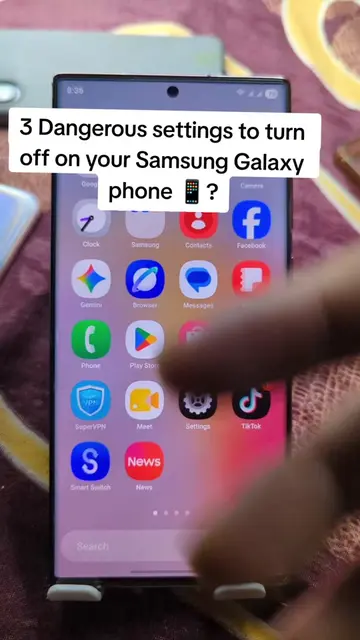
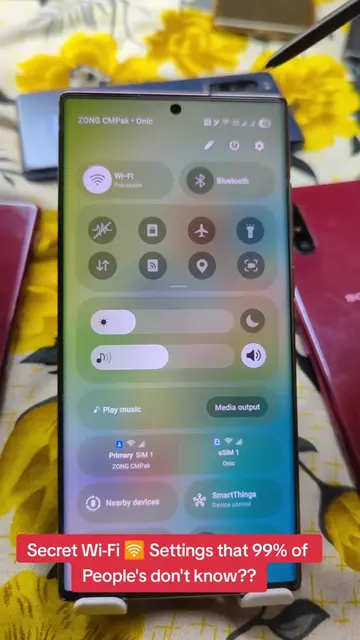
3 Dangerous settings to turn off on your Samsung Galaxy phone!
@herrytech8
725.0K followers · usually 77.4K views a post
Views
1.1M
Likes
22.8K
Comments
168
Shares
13.3K
Promoted product
Digital Wellbeing
Why it worked
The video addresses a common user concern about privacy and data tracking on their phones, offering actionable steps to mitigate it. The clear, step-by-step demonstration makes it easy for viewers to follow along and implement the changes.
Summary
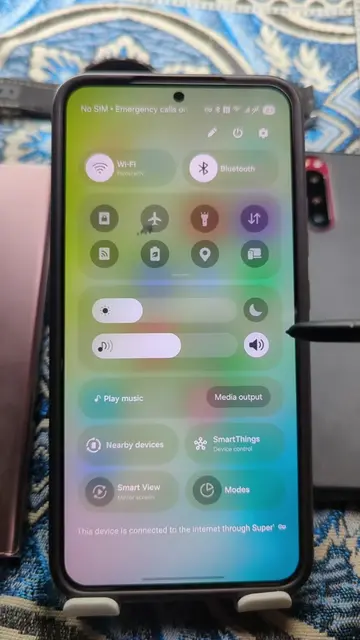
This video demonstrates how to disable three tracking settings on a Samsung Galaxy phone to enhance privacy. It guides users through turning off 'Usage & diagnostics' in Google services, disabling 'Usage data access' within Digital Wellbeing, and switching off 'Customization Service'.
Structure
- 1Introduce the topic of dangerous phone settings
- 2Navigate to Google services and disable Usage & diagnostics
- 3Navigate to Digital Wellbeing and disable Usage data access
- 4Navigate to Customization Service and disable it
Product placement
Samsung (phone brand): appears as the device being used. Removing it would change the video. Google (services): appears as a menu item in settings. Removing it would change the video. Digital Wellbeing (app/feature): appears as a menu item and is operated. Removing it would change the video. Usage & diagnostics (setting): appears as a toggle within Digital Wellbeing. Removing it would change the video. Customization Service (setting): appears as a toggle within Digital Wellbeing. Removing it would change the video.
Original caption
3 Dangerous settings to turn off on your Samsung Galaxy phone! First go to settings and follow me step by step.#settings#samsung#PhoneTips#TechTips#LearnOnTikTok
More from @herrytech8
More breakout videos from this creator.